How Agencies Use Client Portals to Reduce Email by 80%
Real workflow examples of how agencies use client portals for deliverable reviews, file approvals, status updates, and request management — with tool recommendations.

Sarah Chen
2026-03-03
If you run an agency, you know the problem: half your week is spent on client communication instead of client work. Status update emails, file approval threads, "where's the latest version?" messages, and the constant context-switching between Slack, email, Google Drive, and whatever project tool your team uses.
A client portal moves all of that into one place. Here's how agencies are actually using them — with specific tools for each workflow.
Deliverable review and approval
The old way: email a PDF, wait for a reply, get feedback buried in a reply-all thread, lose track of which version was approved. The portal way: upload deliverables, clients review in context, leave comments on specific items, and approve with a tracked action.
Assembly handles this well with branded workspaces where you share files, collect feedback, and track approval status. Clients get a clean interface that feels professional — not like they're logging into your internal project tool.
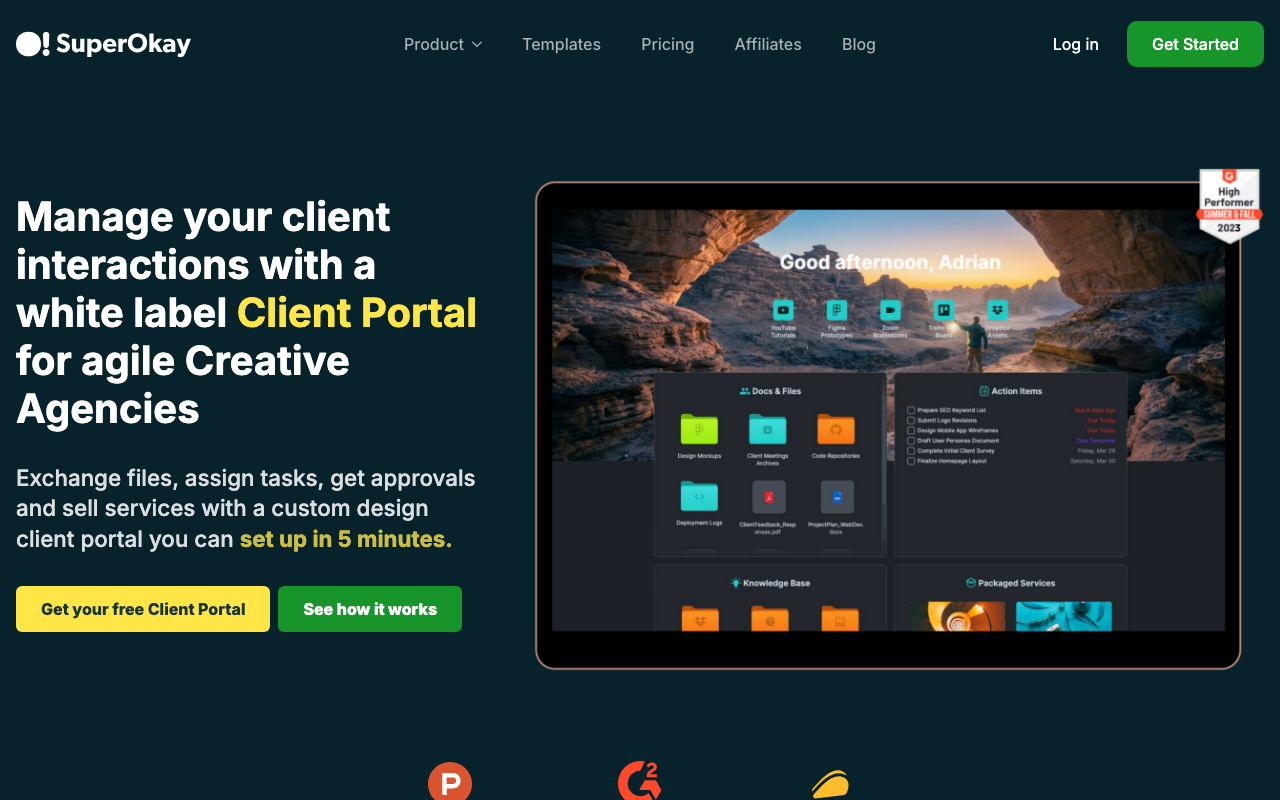
SuperOkay takes a similar approach with a focus on creative agencies. It creates branded client portals with project links, shared files, and approval workflows. The portals look polished enough to reinforce your brand during every client interaction. Kitchen.co offers a similar file-and-feedback portal aimed at smaller creative teams, with a free plan for getting started.
Project status updates
The most expensive question in agency life: "How's the project going?" A portal with a status dashboard eliminates it. Clients log in, see progress on their deliverables, and get on with their day. Your team stops writing status update emails.
Ahsuite gives each client a workspace with project tracking, file sharing, and embedded content — all behind a branded login. The free tier includes 10 portals, which is more than many agencies need.
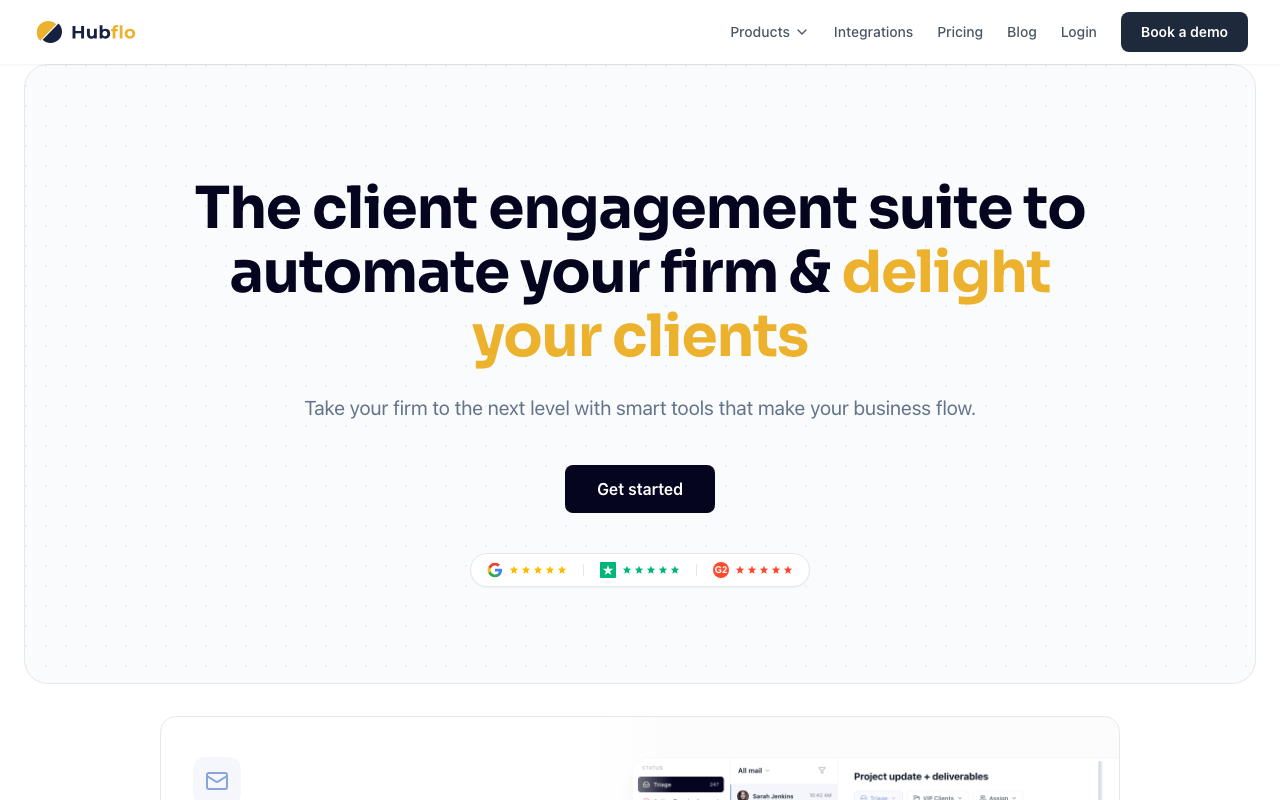
HubFlo takes a similar approach with a white-labeled portal that includes tasks, files, messaging, and even invoicing. It's designed as an all-in-one client interface for service businesses. For agencies that also need project management depth, Teamwork provides built-in client portals with unlimited free collaborators, and ClickUp offers guest access so clients can track progress directly in your project workspace.
File and asset exchange
Creative agencies deal with large files constantly — brand guidelines, raw design files, video exports, photography assets. A portal with organized file storage beats scattered Dropbox links and email attachments. Clients upload briefs and brand assets in one place; you deliver finals in the same spot with version history.
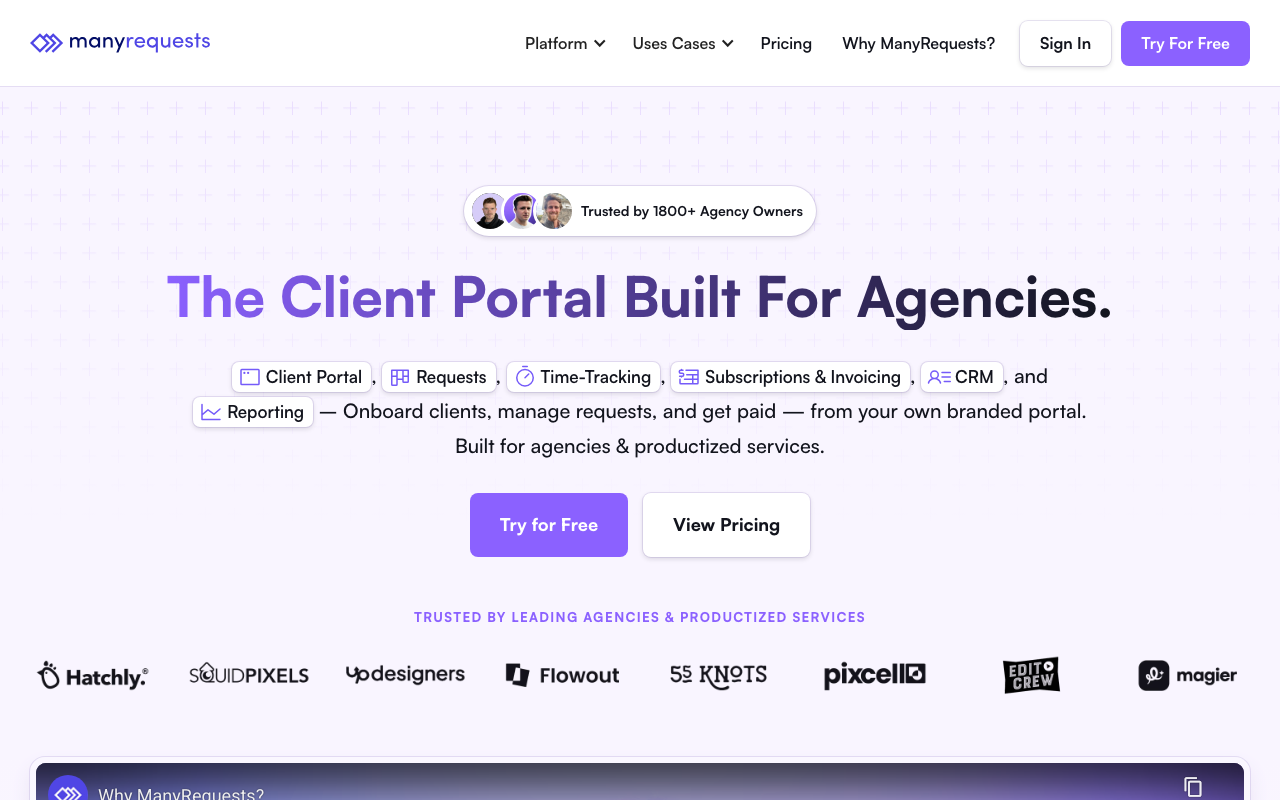
ManyRequests is built specifically for productized service agencies. Its client portal handles file exchange, request management, and order tracking. If you run a design subscription or content production service, the request queue workflow is a standout feature.
Service request management
If your agency offers productized services — design subscriptions, content packages, development retainers — clients need a way to submit requests, track progress, and manage their queue. A portal turns this into a self-service workflow that scales.
SPP (Service Provider Pro) is designed exactly for this model. Clients submit orders through a branded portal, track progress in real time, and manage their subscription. It supports custom order forms, automated invoicing, and team assignment workflows.
ManyRequests covers similar ground with a focus on request queues, delivery workflows, and client-facing dashboards. Zendo is another option in this space, combining service selling and delivery in a single portal. All three tools are purpose-built for the productized service model that's become standard in design, content, and development agencies.
Centralized communication
The biggest win is getting client conversations out of email entirely. Portal messaging creates a thread tied to the project — searchable, organized, and visible to your whole team. When a team member is sick, someone else can pick up the conversation without asking "can you forward me that email chain?"
Assembly includes built-in messaging alongside files, invoicing, contracts, and forms. It's the most complete all-in-one portal for agencies that want a single client interface.
HubFlo and Ahsuite offer similar integrated communication with different strengths — HubFlo leans more toward invoicing and billing integration, while Ahsuite excels at embedded content and workspace customization. If you're a solo operator or small team looking for a complete business management suite with a client portal, Bonsai, Dubsado, and HoneyBook each bundle proposals, contracts, invoicing, and a portal into a single tool designed for creative independents.
What to look for in an agency portal
When evaluating tools for your agency, these features separate good portals from great ones:
- White labeling — your portal should look like your brand. Custom domain, your logo, your colors. The tool should be invisible to the client.
- Client self-service — the more clients can do themselves (check status, download files, submit requests), the less email you receive.
- File management — organized storage with version history and folder structures, not just upload/download. Large file support matters for creative agencies.
- Integrations — connect to your project management tool (Asana, ClickUp, Notion, Monday) to avoid double entry. If status updates have to be manually copied between systems, adoption will fail.
- Pricing that scales — watch for per-client pricing models that get expensive as you grow. Per-seat (your team) pricing is usually more predictable.
- Project management integration — if your team needs PM features alongside the portal, tools like Nifty and Scoro combine project tracking and client collaboration in a single platform, reducing the need for separate tools.
Comparison
| Workflow | Best tool | Starting price |
|---|---|---|
| All-in-one client workspace | Assembly | $39/mo |
| Creative deliverable portals | SuperOkay | $19/mo |
| Client workspaces (generous free tier) | Ahsuite | Free (10 portals) |
| White-labeled portal with invoicing | HubFlo | $25/mo |
| Productized service requests | ManyRequests | $99/mo |
| Order management for productized services | SPP | $129/mo |
| Agency project management with portal | ClientVenue | $15/user/mo |
| Freelancer business management with portal | Bonsai | $9/mo |
Next steps
Browse all agency-focused portals in our agencies vertical. Start with Assembly if you want an all-in-one solution, SuperOkay for a lightweight deliverable portal, or Ahsuite if you want to start free and scale from there. Smaller agencies and freelancers should also consider Agency Handy for all-in-one project and subscription management, Sydnee for a white-label portal with live chat at a flat monthly price, or Taskip for budget-friendly agency management with a lifetime pricing option.
More from the blog
Free Client Portals: What You Actually Get for $0
An honest look at free client portal tools — what's included, what's limited, and when it's time to upgrade. Comparing Softr, Glide, Ahsuite, and Notion Portals.
2026-03-05
Self-Hosted vs Cloud Portals: Which Is Right for You?
Comparing self-hosted and cloud-based client portals — security, compliance, IT overhead, and the best tools for each approach.
2026-03-04
Best Google Sheets Portal Builders in 2026
Turn your Google Sheets data into a client portal — comparing Softr, Glide, and AppSheet on features, free tiers, and when each one makes sense.
2026-03-02