Free Client Portals: What You Actually Get for $0
An honest look at free client portal tools — what's included, what's limited, and when it's time to upgrade. Comparing Softr, Glide, Ahsuite, and Notion Portals.

Tom Bradley
2026-03-05
Free is appealing, but free software always comes with constraints. Free tiers exist to get you hooked, not to run your business forever. That doesn't make them bad — it makes them tools with boundaries you should understand before you build on them.
Here's an honest look at the best free client portal options: what you actually get, where the limits are, and when it's time to pay.
Softr — Best free portal builder
Softr offers the most capable free tier for building a client portal. You can create a portal with user authentication, connect it to Airtable or Google Sheets as a data source, and use pre-built blocks to assemble your interface. No code required.
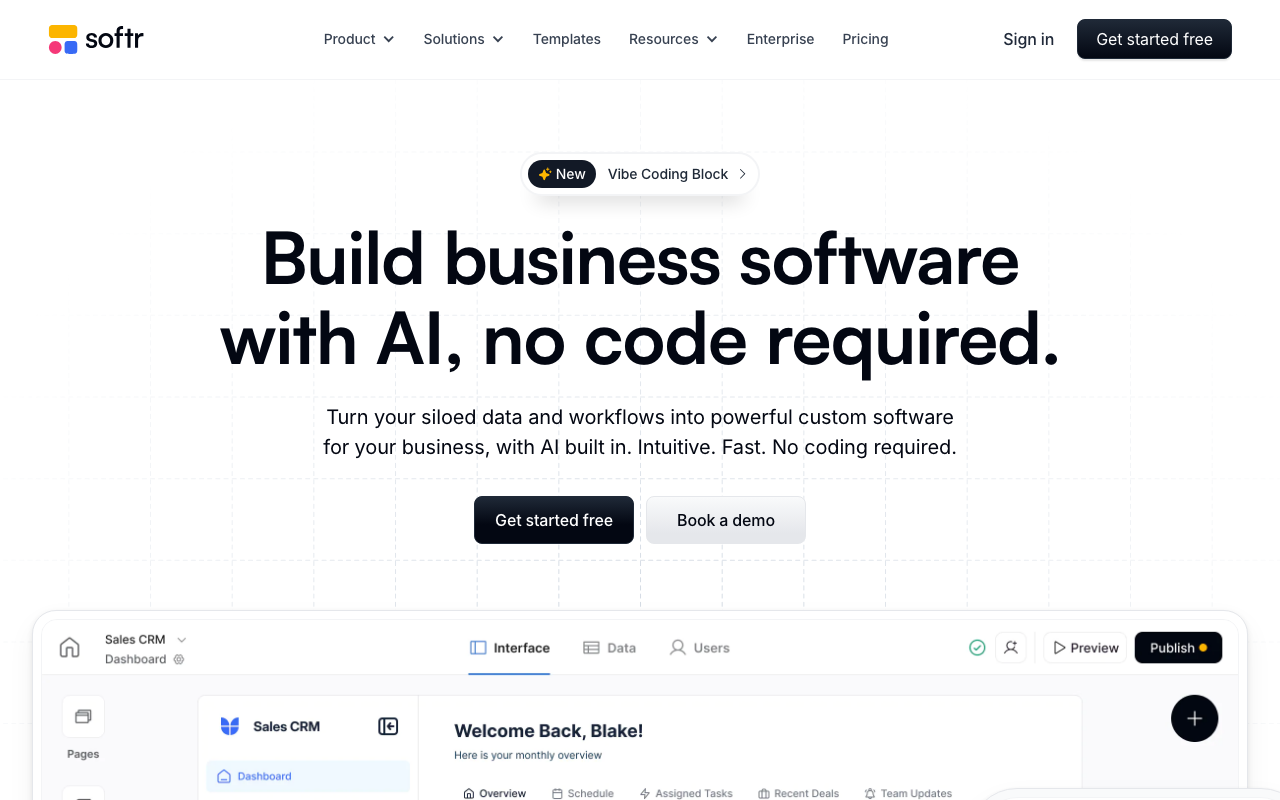
What you get for free:
- Up to 10 external users with login/authentication
- Basic blocks: list views, detail pages, forms, and simple charts
- Connection to one Airtable base or Google Sheet
- Softr-branded subdomain (yourapp.softr.app)
Where the walls are:
- No custom domain — your portal lives on a Softr subdomain, which looks unprofessional for client-facing use
- Softr branding displayed on your portal — "Powered by Softr" badge
- 10 external user limit — fine for testing, not enough for a real client base
- No conditional visibility, payment collection, or advanced permissions
- Limited to basic blocks — more sophisticated components require paid plans
Upgrade trigger: You'll hit the paywall when you need more than 10 clients, want your own domain, or need to remove Softr's branding. The Basic plan at $49/month unlocks all of these.
Glide — Best free mobile portal
Glide turns Google Sheets into apps with a polished, mobile-first UI. The free tier lets you build and test an app, but it's clearly designed as a trial rather than a production-ready tier.
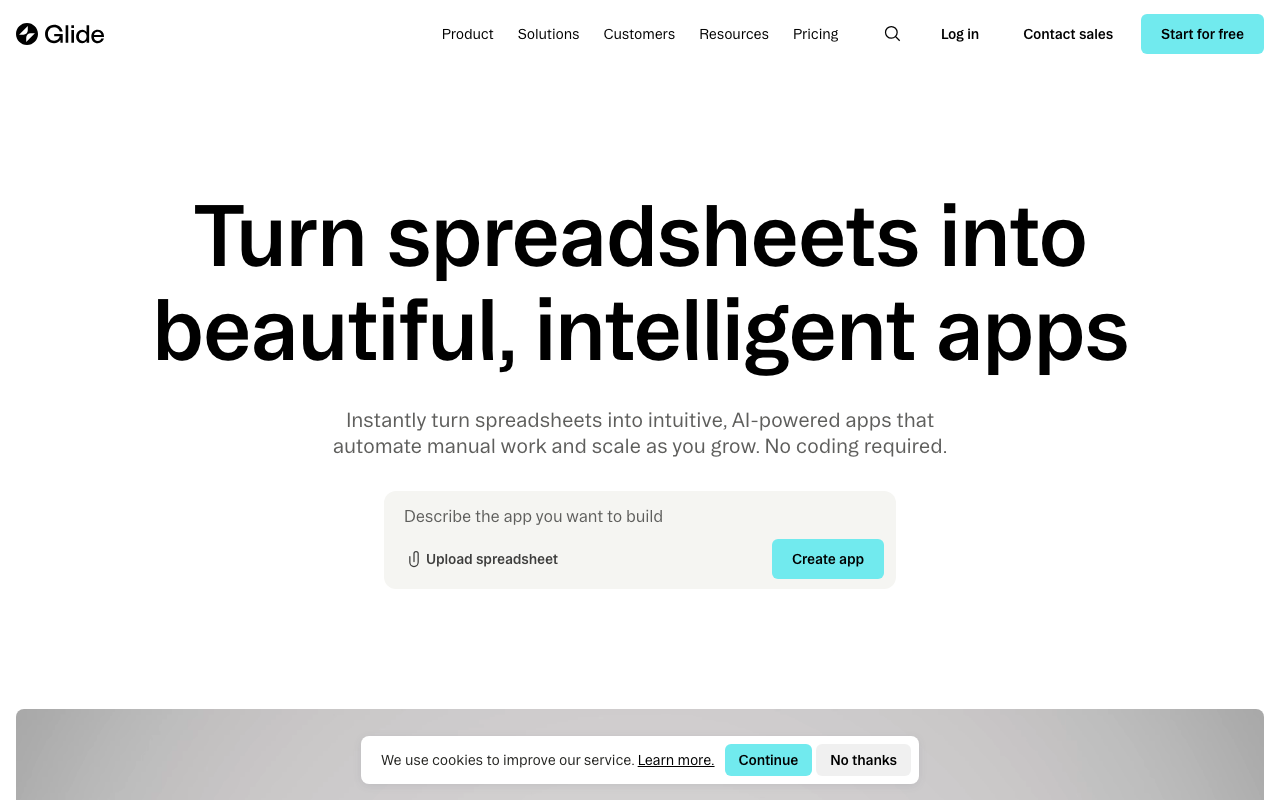
What you get for free:
- Basic app creation from Google Sheets
- Glide's component library for building interfaces
- Mobile-optimized app with a clean default design
- Public and private (login-required) apps
Where the walls are:
- Glide branding on your app
- Limited row count — the free tier restricts how much data your app can handle
- No custom domain
- Advanced components (computed columns, relations, integrations) limited or unavailable
- No team collaboration features — you build alone on the free tier
Upgrade trigger: Row limits will hit first if you have real data. Custom branding and advanced computed columns require the Maker plan at $60/month.
Ahsuite — Most generous free plan
Ahsuite stands out by offering 10 free client portals — more than most tools offer on their entry-level paid plans. Each portal includes workspaces, file sharing, and embedded content. For freelancers and small agencies, this might be all you ever need.
What you get for free:
- 10 client portals with individual workspaces
- File sharing and document storage within each portal
- Password-protected links for sharing content
- Embedded content — add links to external tools, videos, and documents
- Basic client workspace customization
Where the walls are:
- No white labeling — portals show Ahsuite branding
- No custom domain
- Limited integrations with external tools
- No advanced analytics or tracking
- Basic user management — more sophisticated permission models require paid plans
Upgrade trigger: When you need white labeling (custom branding) or have more than 10 clients. Paid plans start at $8/month, making Ahsuite one of the most affordable upgrades on this list.
Notion Portals — Free if you already use Notion
Notion Portals lets you turn Notion pages into a client-facing portal. If your team already runs on Notion, this is the lowest-friction option — you're building the portal in a tool you already know and use daily.
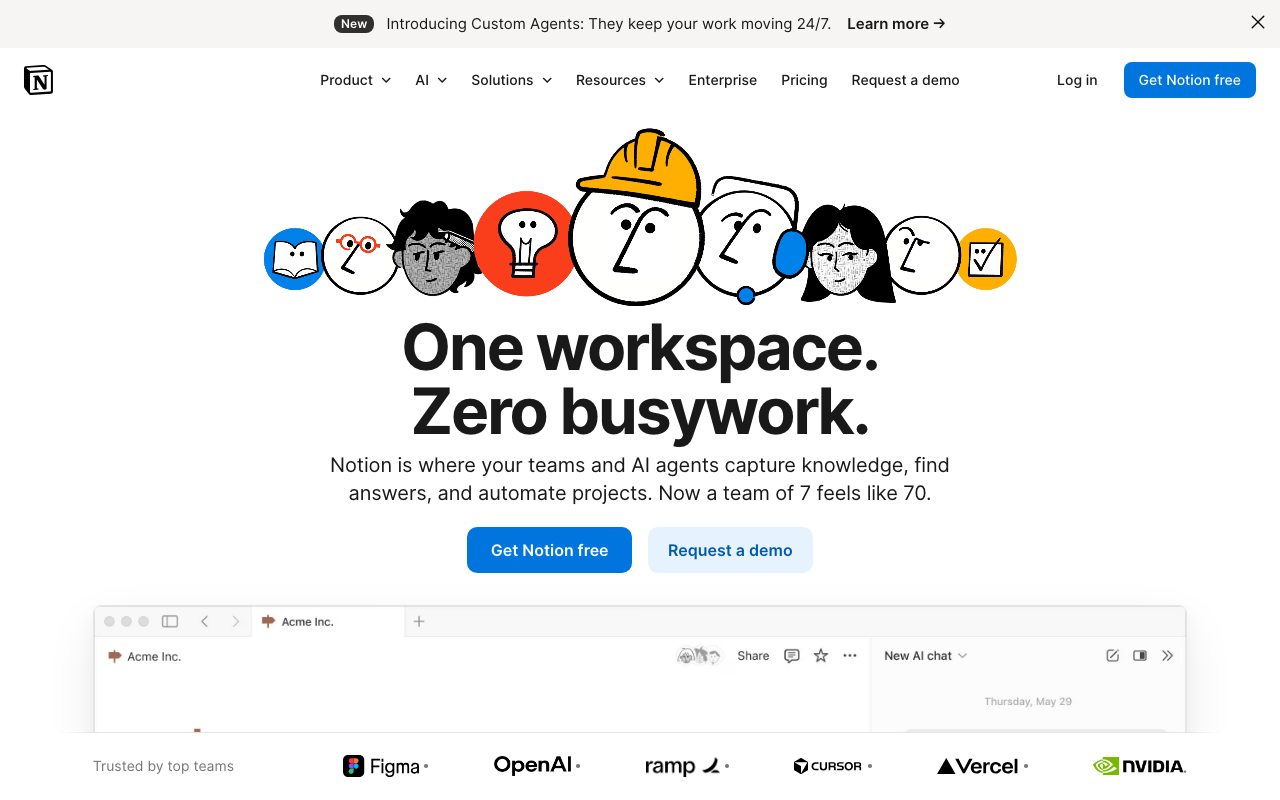
What you get for free:
- Notion's free plan supports personal use with unlimited pages
- Share specific pages publicly via "Publish to web"
- Third-party tools (Super, Potion, Simple.ink) can add custom domains and styling on top of Notion pages
Where the walls are:
- No built-in authentication — anyone with the link can view public pages. True client login requires third-party tools or Notion's team plan.
- No per-client permissions on the free plan — you can't give Client A access to their pages while hiding Client B's.
- Limited design control — Notion pages look like Notion pages. Custom branding requires third-party site builders.
- No file upload or forms — clients can view content but can't submit anything without additional tools.
Upgrade trigger: As soon as you need client-specific logins or any interactivity beyond viewing pages. Notion's team plan and third-party portal builders add cost quickly.
Comparison at a glance
| Tool | Free portals/users | Custom domain | White label | Auth/login | Best for |
|---|---|---|---|---|---|
| Softr | 10 users | No | No | Yes | Web portals with data views |
| Glide | Limited | No | No | Yes | Mobile-first apps |
| Ahsuite | 10 portals | No | No | Yes (password) | Freelancer client workspaces |
| Notion Portals | Unlimited pages | Via 3rd party | Via 3rd party | No (free plan) | Teams already on Notion |
When free portals work
Free tiers are genuinely useful for:
- Solo freelancers with fewer than 10 clients — Ahsuite's 10 free portals or Softr's 10 users might be all you need indefinitely.
- Prototyping and testing — build a working portal to validate the concept before committing budget. All four tools let you do this.
- Internal dashboards — if the portal is for your team rather than clients, branding and custom domains don't matter.
- Freelancer project management — tools like Kosmo and Bloom offer free plans with built-in client portals alongside invoicing and project tracking, which can be more practical than assembling a portal from scratch.
When to upgrade
You should upgrade from free when:
- You need custom branding — clients should see your brand, not the tool's logo. Free tiers universally include tool branding.
- You have more than 10-20 users — free tiers cap quickly and you'll need to upgrade to add more clients.
- You need real permissions — controlling who sees what at a granular level almost always requires a paid plan.
- Client experience matters — free tiers often include loading screens, branding badges, and limited layouts that undermine the professional impression you're trying to create.
- You need integrations — connecting to your CRM, payment processor, or project management tool typically requires paid tiers.
The bottom line
Free portals are real and functional, but they're designed to get you started, not to scale your business. Softr and Ahsuite offer the most value at $0 — Softr for building data-driven portals, Ahsuite for simple client workspaces.
If you want a no-code portal builder with a free plan beyond the four above, Formaloo lets you build custom client portals with drag-and-drop and full branding at no cost for small projects.
Once you outgrow the free tier, expect to spend $30-100/month for a professional portal experience. That's less than the cost of the hours you'll save on client communication. Browse all tools with free tiers in our tools directory and filter by "Free tier available."
More from the blog
Self-Hosted vs Cloud Portals: Which Is Right for You?
Comparing self-hosted and cloud-based client portals — security, compliance, IT overhead, and the best tools for each approach.
2026-03-04
How Agencies Use Client Portals to Reduce Email by 80%
Real workflow examples of how agencies use client portals for deliverable reviews, file approvals, status updates, and request management — with tool recommendations.
2026-03-03
Best Google Sheets Portal Builders in 2026
Turn your Google Sheets data into a client portal — comparing Softr, Glide, and AppSheet on features, free tiers, and when each one makes sense.
2026-03-02