Best Google Sheets Portal Builders in 2026
Turn your Google Sheets data into a client portal — comparing Softr, Glide, and AppSheet on features, free tiers, and when each one makes sense.

Sarah Chen
2026-03-02
You already have your data in Google Sheets. You don't need a database migration, a new tech stack, or a developer. You need a tool that turns those spreadsheets into something your clients can log into, see their own data, and interact with.
Three tools do this well, and all three have free tiers. But they're designed for different use cases, and picking the wrong one means rebuilding later. Here's how they compare.
Softr — Best for branded web portals with login
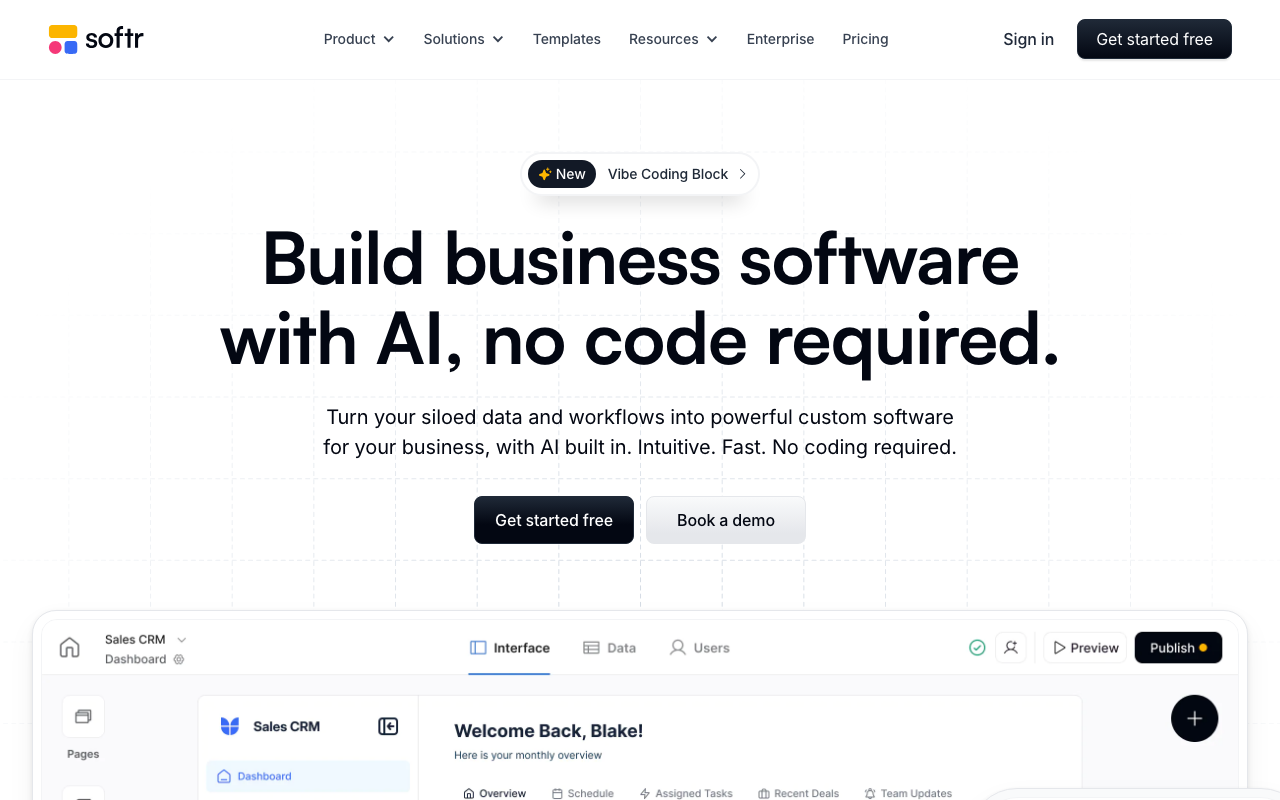
Softr connects to Google Sheets (and Airtable) and lets you build client portals with user authentication, filtered data views, and custom layouts. No code required. It's the most flexible option for building a traditional web portal — the kind where clients log in, see a dashboard, and interact with their data.
Key strengths:
- User authentication and permissions — clients log in and only see rows that belong to them. You control visibility at the record level using a column in your spreadsheet (like email address).
- Pre-built blocks — list views, detail pages, forms, charts, kanban boards, and more. Drag and drop to assemble your portal layout.
- Custom domains — use your own URL (e.g., portal.yourcompany.com), even on lower-tier plans.
- Conditional visibility — show or hide blocks based on user role, login status, or data values.
- SEO and public pages — Softr can build both authenticated portals and public-facing pages, making it useful for marketing sites alongside client portals.
Free tier: 10 external users, basic blocks, Softr subdomain. You can build a functional portal at zero cost. Paid plans: From $49/month (Basic) to $169/month (Professional). Limitations: The free tier includes Softr branding, limits you to 10 external users, and doesn't support custom domains. Advanced features like conditional logic and payment collection require paid plans.
Glide — Best for mobile-first portal apps
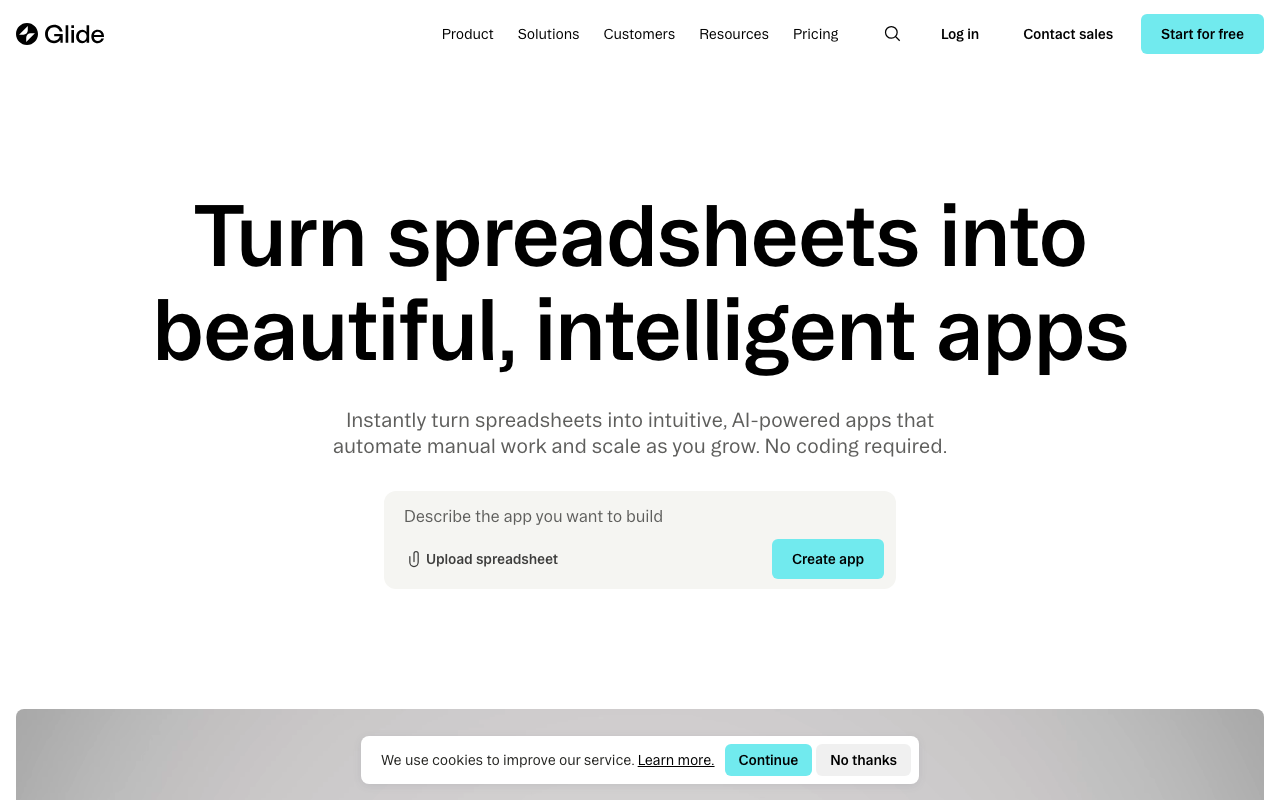
Glide turns Google Sheets into apps with a focus on clean, mobile-friendly interfaces. If your clients will primarily access the portal from their phones — checking project status, submitting requests, uploading photos — Glide produces the most polished mobile experience.
Key strengths:
- Beautiful default UI — apps look professional immediately. The design system is opinionated in a good way; it's hard to make something ugly.
- Computed columns — add logic, calculations, and transformations without modifying your source spreadsheet. Build conditional fields, rollups, and lookups in the Glide data editor.
- Components library — rich set of input components: image pickers, signature fields, location selectors, and more. These shine on mobile.
- Offline support — Glide apps can cache data and work without internet, syncing when connectivity returns. Useful for field teams.
Free tier: Limited to basic features, Glide branding, and restricted row counts. Functional for prototyping and small projects. Paid plans: From $60/month (Maker) to $250/month (Team). Limitations: Glide's layout flexibility is more limited than Softr's. You work within Glide's component framework rather than building freely. Web (desktop) experience is good but mobile is where it shines.
AppSheet — Best for complex logic and automation
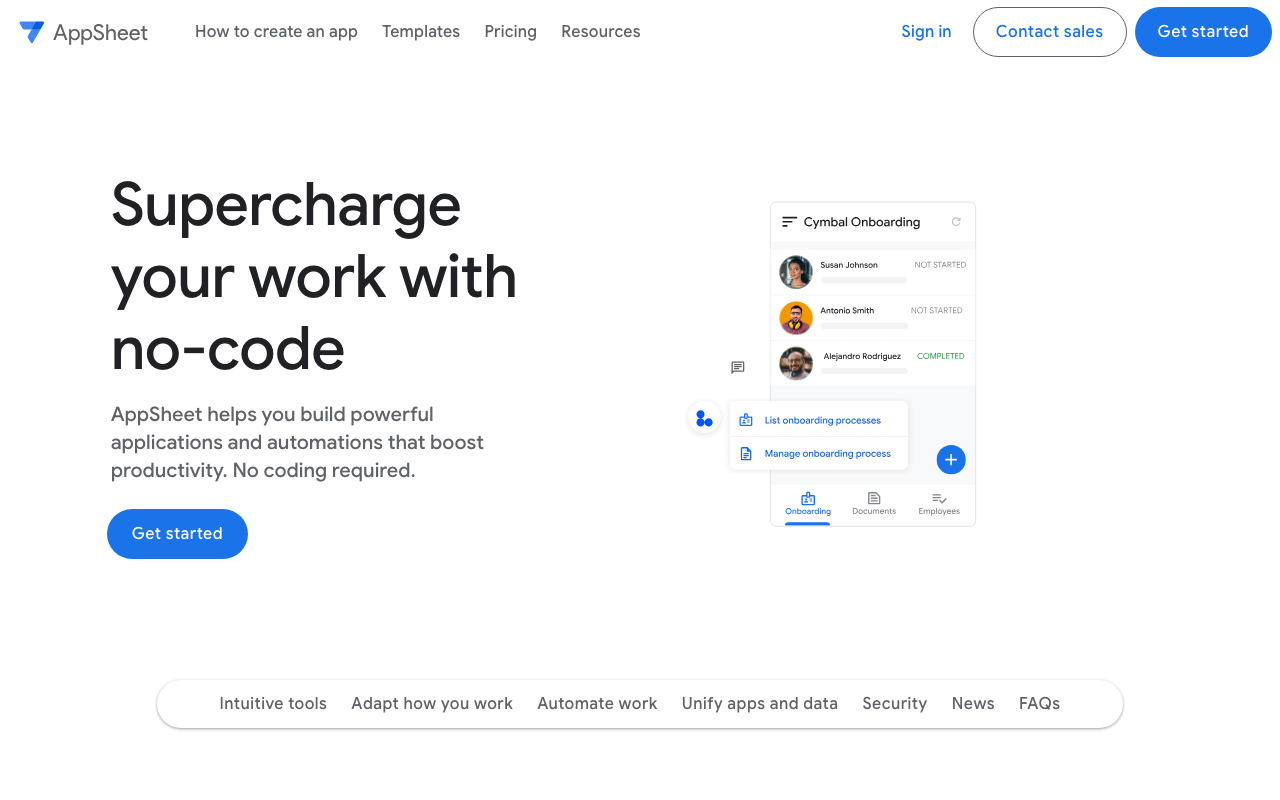
AppSheet (owned by Google) is the most powerful option for Google Sheets portals, but it has a steeper learning curve than Softr or Glide. It supports advanced workflows, conditional logic, automation triggers, and deep integration with the Google Workspace ecosystem.
Key strengths:
- Deep Google integration — native connection to Sheets, Drive, Gmail, Calendar, and Maps. Data sources can span multiple Google Sheets and even Cloud SQL databases.
- Advanced expressions — a formula language for validation rules, conditional formatting, computed values, and security filters. More powerful than Softr or Glide's logic capabilities.
- Automation bots — trigger emails, update rows, create documents, and call webhooks based on data changes or scheduled events.
- Offline support — full offline mode with automatic sync. Designed for use cases where connectivity is unreliable.
- Security filters — row-level security using expressions, so each user sees only their own data based on login identity.
Free tier: AppSheet offers a free plan for development and testing with up to 10 users. Paid plans: $5/user/month (Starter) to $10/user/month (Core). Per-user pricing makes it cheap for small teams but expensive at scale. Limitations: The learning curve is real. AppSheet's expression language and security model take time to learn. The UI, while functional, doesn't look as polished as Glide out of the box. Building something that looks and feels like a branded portal takes more effort.
Side-by-side comparison
| Feature | Softr | Glide | AppSheet |
|---|---|---|---|
| Best for | Branded web portals | Mobile-first apps | Complex logic/automation |
| Free tier | 10 users | Limited | 10 users (dev) |
| Starting price | $49/mo | $60/mo | $5/user/mo |
| Google Sheets support | Yes | Yes | Yes (native) |
| Airtable support | Yes | Yes | No |
| User login/auth | Yes | Yes | Yes |
| Row-level security | Yes | Yes | Yes |
| Custom domain | From Basic plan | From Maker plan | Yes |
| Offline support | No | Yes | Yes |
| Mobile experience | Good | Excellent | Good |
| Desktop experience | Excellent | Good | Good |
| Learning curve | Low | Low | Medium-High |
Which one should you pick?
Choose Softr if you want a branded web portal with a login page, custom domain, and flexible layout. Best for client dashboards, project trackers, and directories where clients primarily use a desktop browser.
Choose Glide if your clients will mostly use mobile, or you want the fastest path to a good-looking app without design decisions. Best for field service apps, request submission, and mobile-first workflows.
Choose AppSheet if you need complex business logic, automation, or deep Google Workspace integration. Best for structured workflows with validation rules, conditional logic, and multi-step processes.
Next steps
All three tools have free plans — connect your Google Sheet and build a prototype in an afternoon. You don't need to decide up front; the fastest path to a decision is spending 30 minutes with each one. If you need more flexibility than these three offer, Pory also connects to Google Sheets and is particularly strong for building directory-style portals and listings. For more options, browse our Google Sheets platform page.
More from the blog
Free Client Portals: What You Actually Get for $0
An honest look at free client portal tools — what's included, what's limited, and when it's time to upgrade. Comparing Softr, Glide, Ahsuite, and Notion Portals.
2026-03-05
Self-Hosted vs Cloud Portals: Which Is Right for You?
Comparing self-hosted and cloud-based client portals — security, compliance, IT overhead, and the best tools for each approach.
2026-03-04
How Agencies Use Client Portals to Reduce Email by 80%
Real workflow examples of how agencies use client portals for deliverable reviews, file approvals, status updates, and request management — with tool recommendations.
2026-03-03