Self-Hosted vs Cloud Portals: Which Is Right for You?
Comparing self-hosted and cloud-based client portals — security, compliance, IT overhead, and the best tools for each approach.

David Park
2026-03-04
When choosing a client portal, one of the first decisions is where it runs: on your own infrastructure or in someone else's cloud. Both approaches work. But they come with very different trade-offs in cost, control, security, and ongoing effort.
This isn't a philosophical debate — it's a practical decision that depends on your compliance requirements, IT resources, and how much you value convenience versus control.
What self-hosted means in practice
A self-hosted portal runs on servers you control. That could be physical hardware in your office, a VPS from a provider like Hetzner or DigitalOcean, or a private cloud instance on AWS/GCP/Azure. You manage the application, the database, updates, backups, security patches, SSL certificates, and uptime.
In return, you get full control over your data and infrastructure. No vendor can access your data, change their pricing, or discontinue the product.
Best self-hosted options
Budibase — Open-source low-code portal builder
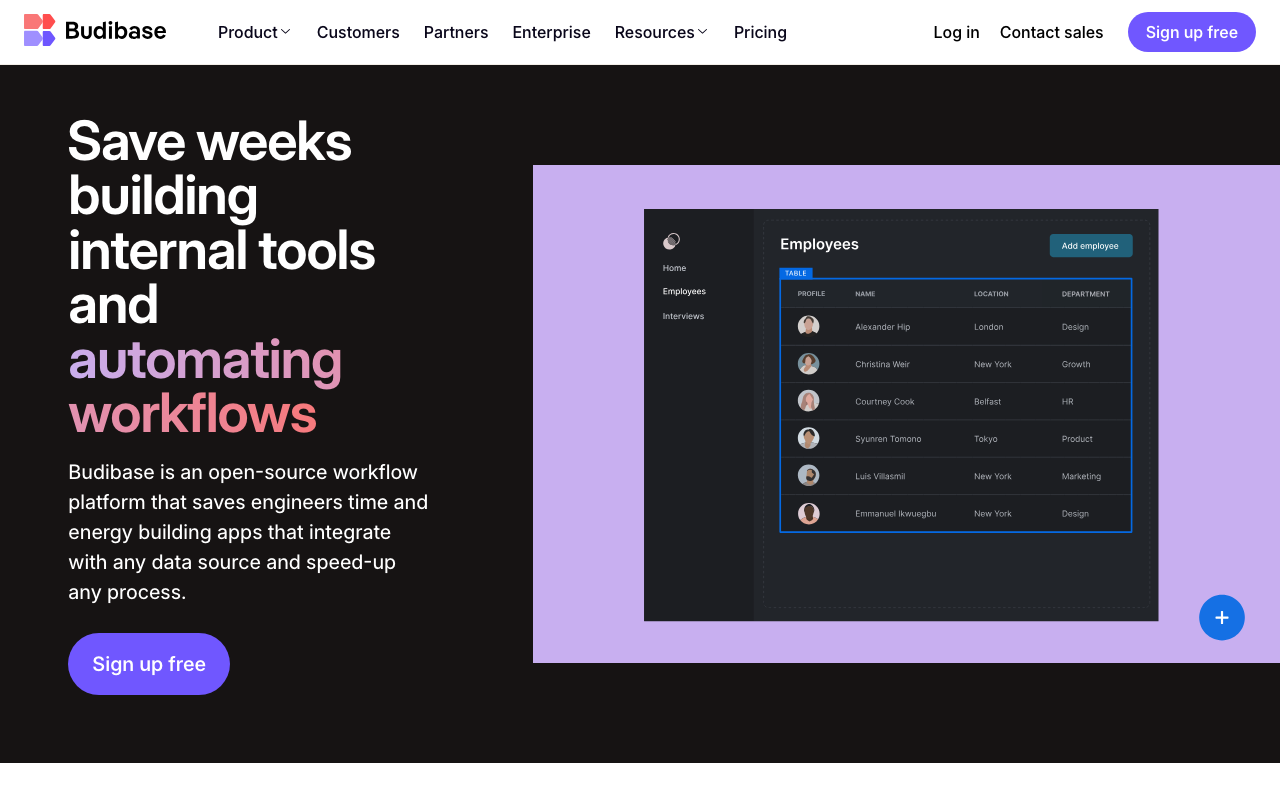
Budibase is an open-source low-code platform you can deploy on your own infrastructure. It connects to external databases (PostgreSQL, MySQL, MongoDB, REST APIs) and lets you build custom portals with user roles, forms, dashboards, and automations.
Key strengths:
- Open source — full source code access. No vendor lock-in. Fork it if you need to.
- Docker deployment — straightforward self-hosting with Docker Compose. Most teams can deploy in an afternoon.
- Multiple data sources — connect to your existing databases rather than migrating data.
- RBAC — role-based access control for managing client permissions at a granular level.
Pricing: Free and open source for self-hosted. Cloud-hosted plans available from $5/user/month.
Caspio — No-code platform with private cloud option
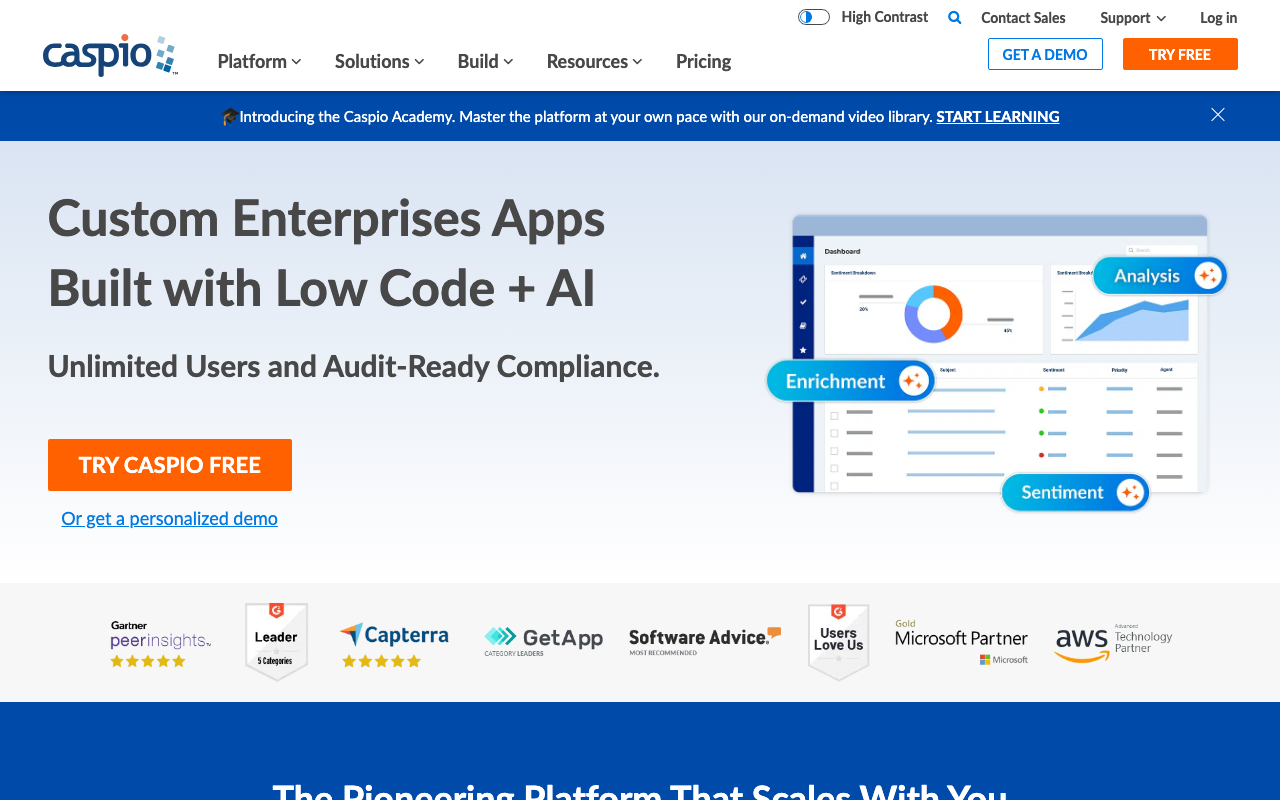
Caspio is a no-code platform that supports private cloud deployment for organizations with strict data residency requirements. It's more enterprise-oriented than Budibase, with a focus on building database-driven web applications.
Key strengths:
- Private cloud deployment — run on dedicated infrastructure in your chosen region for data sovereignty compliance.
- No-code application builder — build complex database applications with forms, reports, charts, and workflows without writing code.
- Embeddable — deploy applications as embedded elements on existing websites or as standalone portals.
- Compliance-friendly — HIPAA-eligible, SOC 2 compliant, with audit logging and access controls.
Pricing: Cloud plans from $50/month. Private cloud deployment at enterprise pricing.
Bitrix24 — Self-hosted CRM and portal suite
Bitrix24 offers a self-hosted edition that bundles CRM, project management, HR tools, and a client portal into a single deployable package. It's popular with larger organizations in regulated industries that need everything on their own servers.
Key strengths:
- Comprehensive suite — CRM, project management, communication, document management, and portal in one installation.
- On-premise deployment — runs on your Linux servers with full data control. Supports clustered deployments for high availability.
- Unlimited users — the self-hosted edition is licensed per-instance, not per-user. Cost-effective for large organizations.
- Active Directory integration — integrates with your existing identity infrastructure for SSO.
Pricing: Self-hosted licenses start at $2,990 (one-time) for the Business plan. Annual renewal for updates.
Other self-hosted options include Retool, a low-code platform popular with developer teams that supports self-hosted deployment and connects to virtually any database or API. For WordPress shops, Client Portal for WordPress adds a portal directly to your existing site with a one-time purchase and no monthly fees.
When to self-host
Self-hosting makes sense when:
- Regulatory compliance requires it — government contracts, healthcare (HIPAA), or financial regulations that mandate data stays on specific infrastructure. That said, some cloud tools are built for regulated industries from the start — Practice Better is HIPAA-compliant out of the box for health and wellness practitioners, and Huddle from Ideagen serves government and healthcare organizations with cloud-hosted portals that meet strict compliance requirements.
- Data sovereignty matters — you need provable control over where data is stored and who can access it.
- You have IT staff — someone needs to handle updates, backups, security patches, SSL certificates, and uptime monitoring. This is an ongoing commitment, not a one-time setup.
- Custom security policies — you need network-level controls, VPN access, or air-gapped deployment that SaaS vendors can't provide. For government and defense organizations specifically, Kahootz offers a UK-hosted cloud collaboration platform with security clearances and compliance certifications designed for that sector.
What cloud-hosted means in practice
A cloud portal is managed entirely by the vendor. They handle servers, operating system updates, security patches, backups, uptime, and scaling. You sign up, configure your portal, invite clients, and start using it. Most client portal tools on the market are cloud-only.
Best cloud options
Assembly — Polished all-in-one client portal
Assembly is a modern, all-in-one client portal with messaging, file sharing, billing, forms, and a branded experience. It's designed for service businesses that want a professional client interface without any infrastructure management.
Key strengths:
- Complete portal — messaging, files, invoicing, contracts, forms, and helpdesk in one platform. Clients get a single login for everything.
- White labeling — custom domain, your logo, your colors. Clients see your brand, not Assembly's.
- App marketplace — extend the portal with integrations for payments (Stripe), scheduling (Calendly), and more.
- Zero infrastructure — nothing to deploy, update, or maintain. Focus on your clients, not your servers.
Pricing: From $39/month (Starter) to $159/month (Advanced).
Clinked — Collaboration-focused client portal
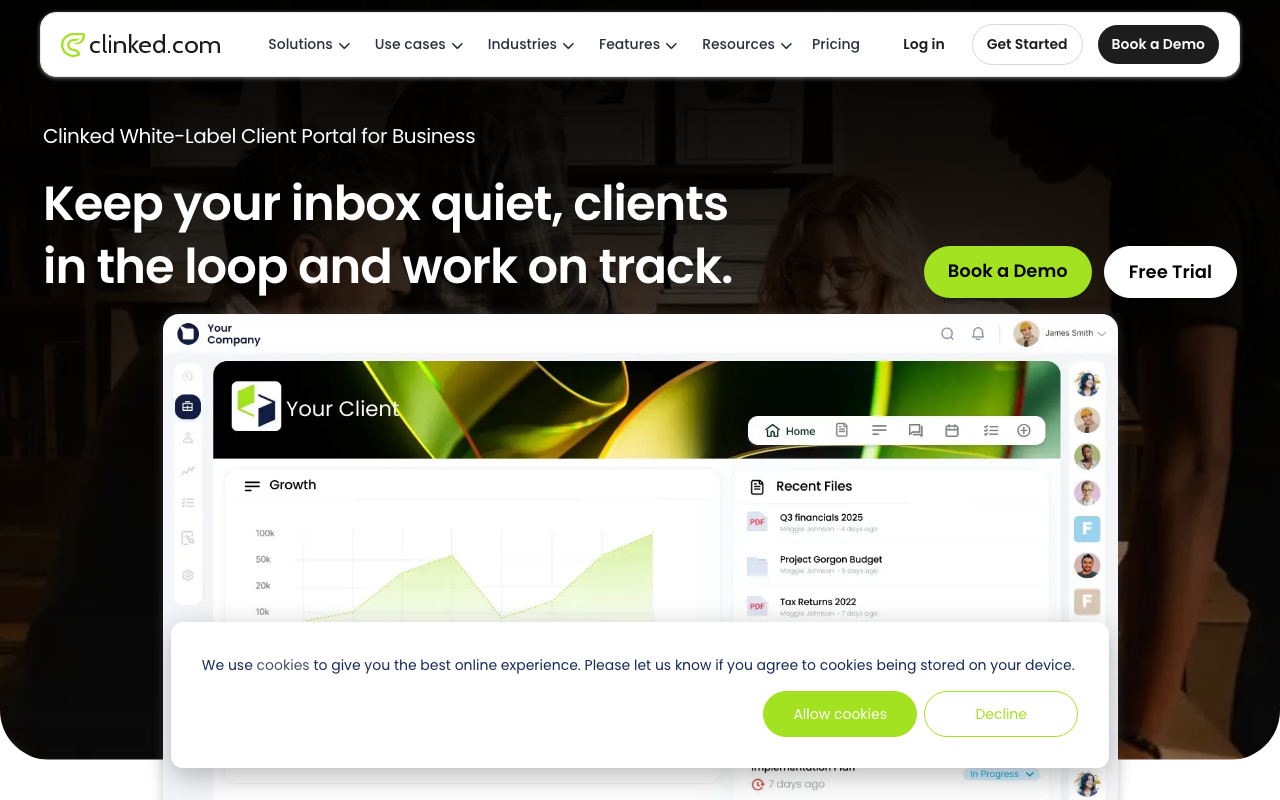
Clinked is a collaboration-focused portal with file sharing, group discussions, task management, and audit trails. It's popular with professional services firms that need a secure, branded workspace for client collaboration.
Key strengths:
- Collaboration features — file sharing, group discussions, task assignments, shared calendars, and activity feeds.
- White labeling — fully branded portal with custom domain, colors, and logo.
- Mobile apps — native iOS and Android apps for client access on the go.
- Compliance — SOC 2 compliant with data centers in multiple regions. AES-256 encryption at rest.
Pricing: From $95/month (Lite, 100 members) to $995/month (Enterprise, unlimited).
Moxo — Enterprise-grade secure interactions
Moxo is an enterprise-grade platform for secure client interactions, document exchange, and workflow automation. It's designed for organizations where security and compliance are non-negotiable.
Key strengths:
- Secure interactions — end-to-end encrypted messaging, document sharing, and video. Built for regulated industries.
- Workflow automation — multi-step workflows with approvals, document collection, and task routing.
- Enterprise security — SSO, DLP, retention policies, and comprehensive audit logging.
- White-glove onboarding — Moxo provides hands-on implementation support for enterprise deployments.
Pricing: From $100/month. Enterprise pricing based on requirements.
When cloud makes sense
Cloud portals are the right choice when:
- You don't have dedicated IT — most small and mid-size businesses shouldn't be managing servers. The cost of a sysadmin exceeds the cost of a SaaS subscription.
- Speed matters — cloud portals are ready to use in hours, not weeks. No procurement, no server setup, no deployment pipeline.
- The vendor's security is better than yours — established SaaS providers typically invest more in security infrastructure, monitoring, and incident response than individual businesses can justify.
- You want automatic updates — new features, bug fixes, and security patches appear without downtime, effort, or testing on your part.
The honest trade-off
| Factor | Self-hosted | Cloud |
|---|---|---|
| Data control | Full control | Vendor-managed |
| Setup time | Days to weeks | Hours |
| Ongoing maintenance | Your responsibility | Vendor handles it |
| Security patches | Manual | Automatic |
| Uptime | You manage it | Vendor SLA |
| Cost model | Upfront + IT labor | Monthly subscription |
| Compliance flexibility | Maximum | Depends on vendor |
| Scaling | You handle it | Automatic |
For most businesses, cloud is the right answer. The security and reliability of established SaaS providers exceeds what a small IT team can achieve, and the total cost (subscription + zero IT overhead) is lower than self-hosting (license + server costs + IT labor).
Self-hosting is the right call when compliance truly demands it — not just when it feels safer.
Next steps
Compare self-hosted portals and cloud portals in our directory. If you're leaning cloud, start with Assembly or Clinked for a free trial. For self-hosted, try Budibase — it's free and open source, so you can evaluate with zero commitment.
More from the blog
Free Client Portals: What You Actually Get for $0
An honest look at free client portal tools — what's included, what's limited, and when it's time to upgrade. Comparing Softr, Glide, Ahsuite, and Notion Portals.
2026-03-05
How Agencies Use Client Portals to Reduce Email by 80%
Real workflow examples of how agencies use client portals for deliverable reviews, file approvals, status updates, and request management — with tool recommendations.
2026-03-03
Best Google Sheets Portal Builders in 2026
Turn your Google Sheets data into a client portal — comparing Softr, Glide, and AppSheet on features, free tiers, and when each one makes sense.
2026-03-02