Zapa Client Portal
Secure client portal and case management for law firms
Pros
- ✓ Purpose-built for law firms with legal-specific workflows
- ✓ Clean, professional client experience for case updates
- ✓ Secure messaging keeps sensitive communications off email
Cons
- ✗ Legal-specific — not applicable to other industries
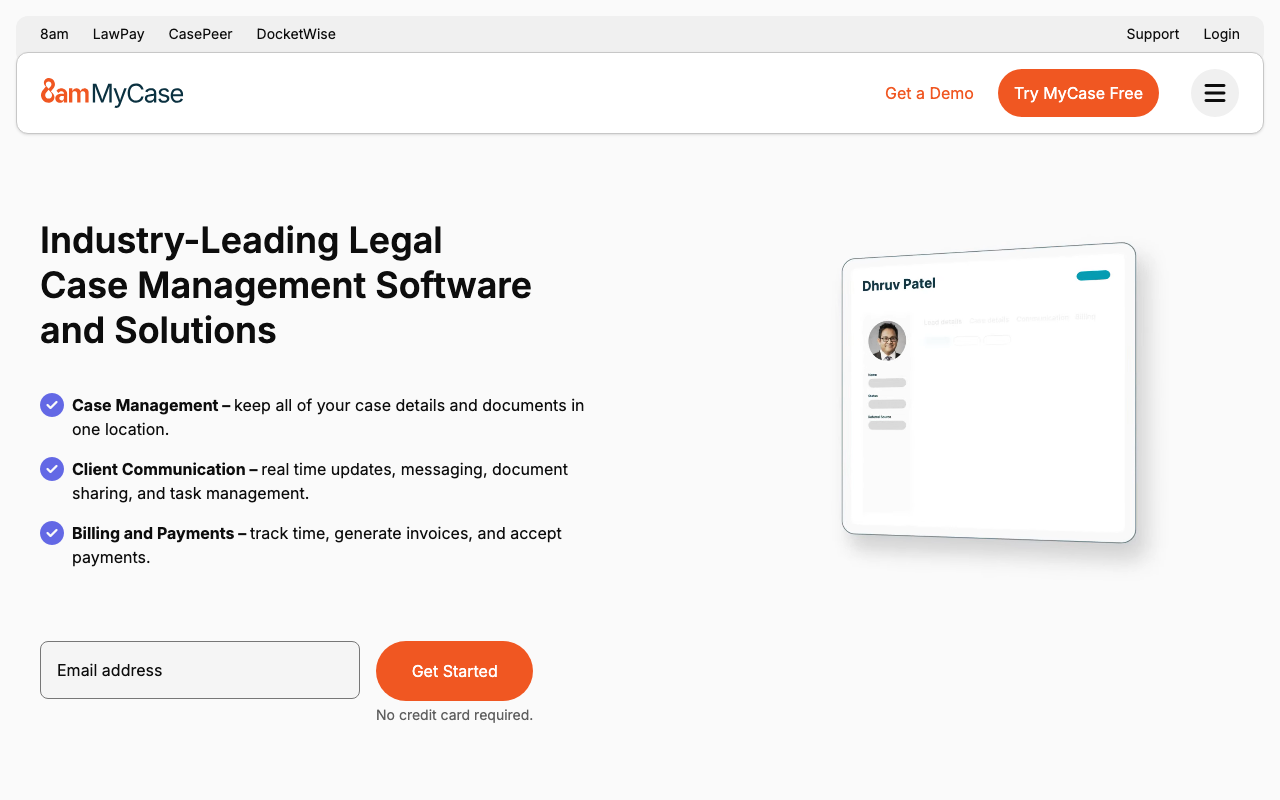
- ✗ Smaller player compared to Clio or PracticePanther
- ✗ Limited integration ecosystem
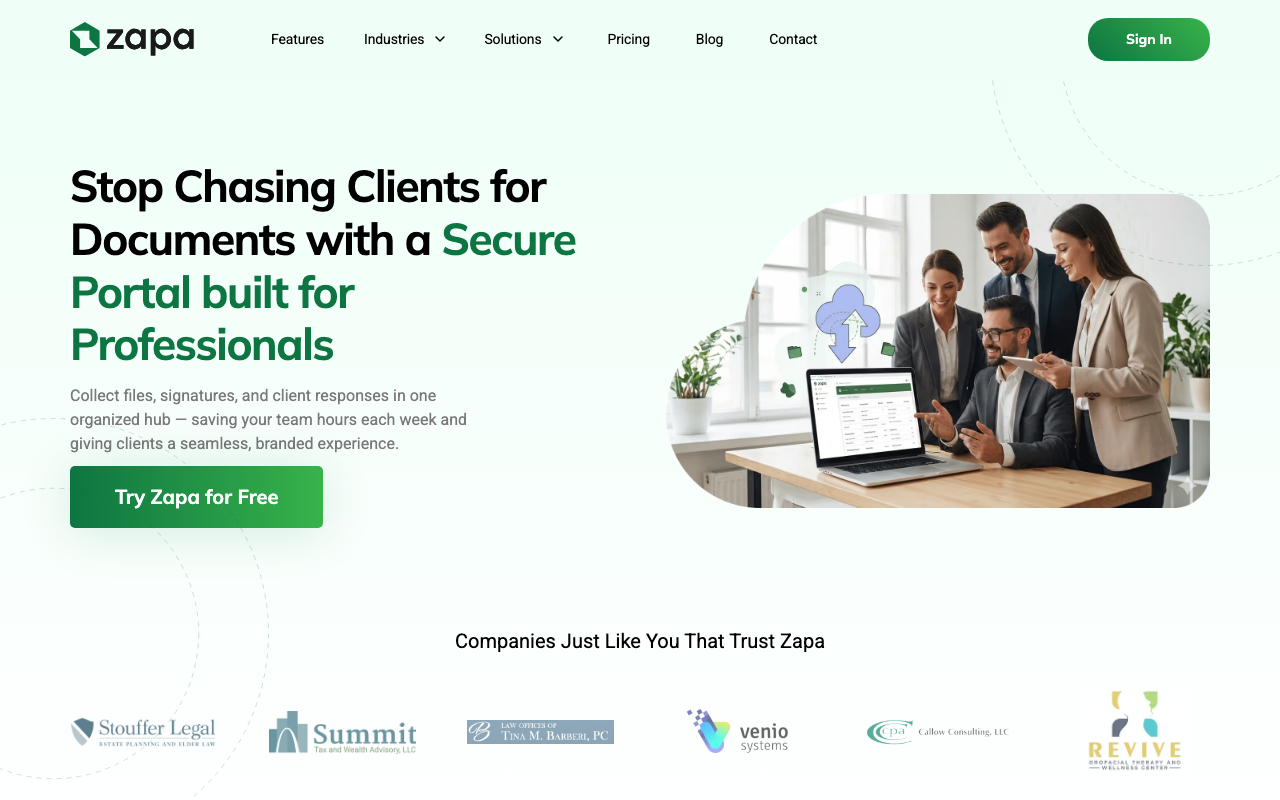
Zapa Client Portal is a secure document-sharing and client communication platform built for law firms, accounting practices, and professional services firms. Its core pitch is simple: stop chasing clients for files via email and replace that back-and-forth with a branded, organized hub where clients upload documents, sign forms, and track their own to-do lists.
Who it's for
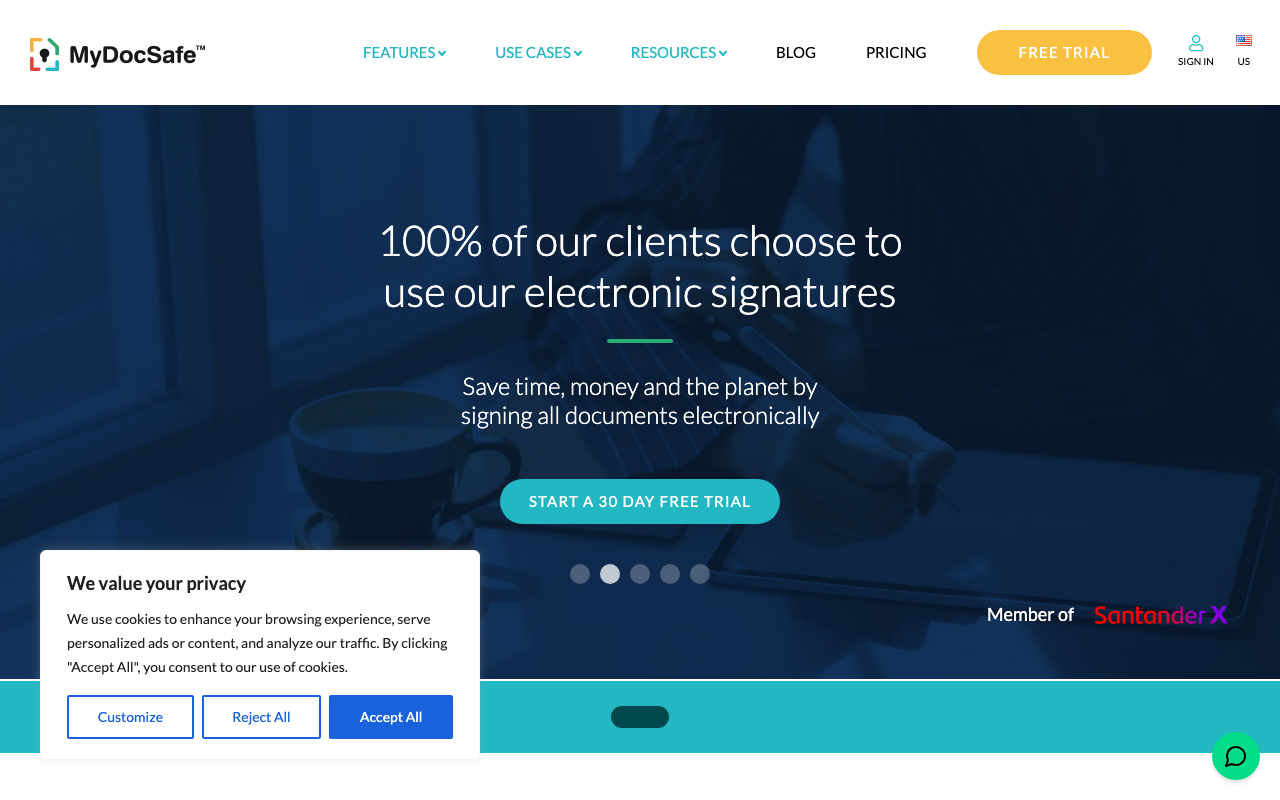
Zapa positions itself squarely at attorneys and accountants — firms that handle sensitive client documents regularly and need something more secure and professional than email, but don't necessarily want to replace their entire practice management stack. The feature set and language throughout the product skew legal, but the tool works equally well for accounting firms. Larger enterprises can use the top-tier plan with dedicated onboarding and data migration support.
Core features
The most practically useful feature is automated file request tracking. You send a request, set a due date, and Zapa handles reminders — no more manually following up with clients. Requests stay open until fulfilled, with full audit history of what was submitted and when.
Document handling covers the full lifecycle: upload, preview (files, audio, and video without downloading), fillable PDF forms, PDF annotation with comments and highlighters, and e-signatures. Clients can upload directly from a mobile phone camera, which is useful for capturing physical documents on the go.
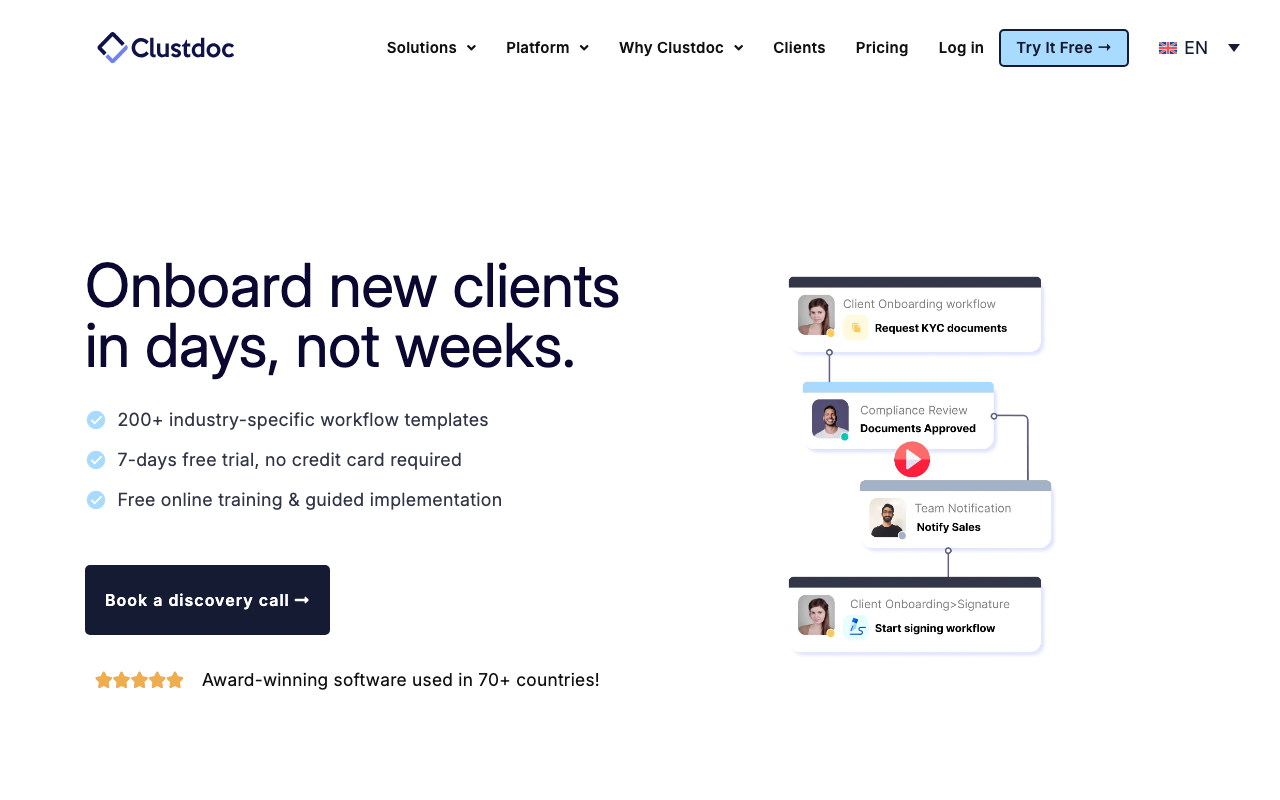
Workflow tools are more developed than most file-sharing portals at this price point. Custom Workflow States let firms define the exact stages of a client engagement — useful for tracking matters through intake, active work, and closure. Portal Templates let you pre-configure a standard folder structure, task list, and settings so launching a new client portal takes seconds rather than minutes. Portal Tags add a flexible layer of organization on top, letting you filter and sort your client list however makes sense for your practice.
On the communication side, Zapa now maintains a unified message and email history per portal, so the full thread of client conversations is visible in one timeline rather than scattered across inboxes.
Security
Security features include end-to-end encryption, multi-factor authentication, and granular guest permissions — you can control exactly who can view, upload, download, rename, move, or delete files at the portal level. Full audit history is included on all plans. Custom terms and conditions can be required for guest access, and private portals can be created for highly sensitive matters.
Integrations
The source material mentions Clio integration (legal practice management), with activity notifications tied to Clio matters. Integration breadth beyond Clio isn't extensively documented, which is worth noting if your firm relies on other platforms.
Pricing
Zapa uses flat-fee pricing rather than per-seat pricing — a meaningful advantage as team size grows. The entry-level plan starts at $140/month and covers core file sharing, portal tags, archive functionality, message history, and PDF collaboration. The Professional plan adds portal templates and custom workflow states. A Large Firm tier adds advanced workflow features, and Enterprise adds white-glove onboarding, data migration, and dedicated support. All plans include unlimited internal user seats.
Zapa explicitly calls out SmartVault, Sharefile, and Suralink as competitors, positioning its flat-fee model as a cost advantage over their per-seat pricing structures.
Limitations
Zapa is a focused tool, not a full practice management platform — there's no billing, time tracking, or matter management built in. Integration depth is limited compared to established players like Clio or MyCase, so firms that need tight workflow automation across multiple tools may find it constraining. As a smaller, newer entrant (founded 2021, based in Towson, MD), the product is still building out its feature set, with portal templates, workflow states, and message history all listed as new additions.

Rachel Adams
Legal Tech Editor
Last verified: 2026-02-25
Read more
Related tools