Softr
Turn your Airtable into a client portal in minutes
Pros
- ✓ No-code — non-technical teams can build and launch portals without developers
- ✓ Deep integrations with Airtable, HubSpot, Supabase, BigQuery synced in real-time
- ✓ Built-in database removes dependency on external data sources for simpler setups
- ✓ Custom domain included even on the Free plan — uncommon in no-code tools
- ✓ Unlimited collaborators/builders on every tier including Free
- ✓ SOC 2 Type II certified with 24/7 chat support on every plan
- ✓ Professional plan allows adding extra users at $10 per 10 users, providing flexibility
Cons
- ✗ App user limits are restrictive at lower tiers — 10 Free, 20 Basic, 100 Professional
- ✗ Custom user groups require Professional ($167/mo) or higher — only 3 groups until Business
- ✗ SSO, IP blocking, and audit logging are Enterprise-only (custom pricing)
- ✗ Significant price jumps between tiers ($59 → $167 → $323/month)
- ✗ 500-user cap on Business tier — exceeding it requires Enterprise negotiation
- ✗ Workflow automation is metered, with only 500 actions/month on the free tier
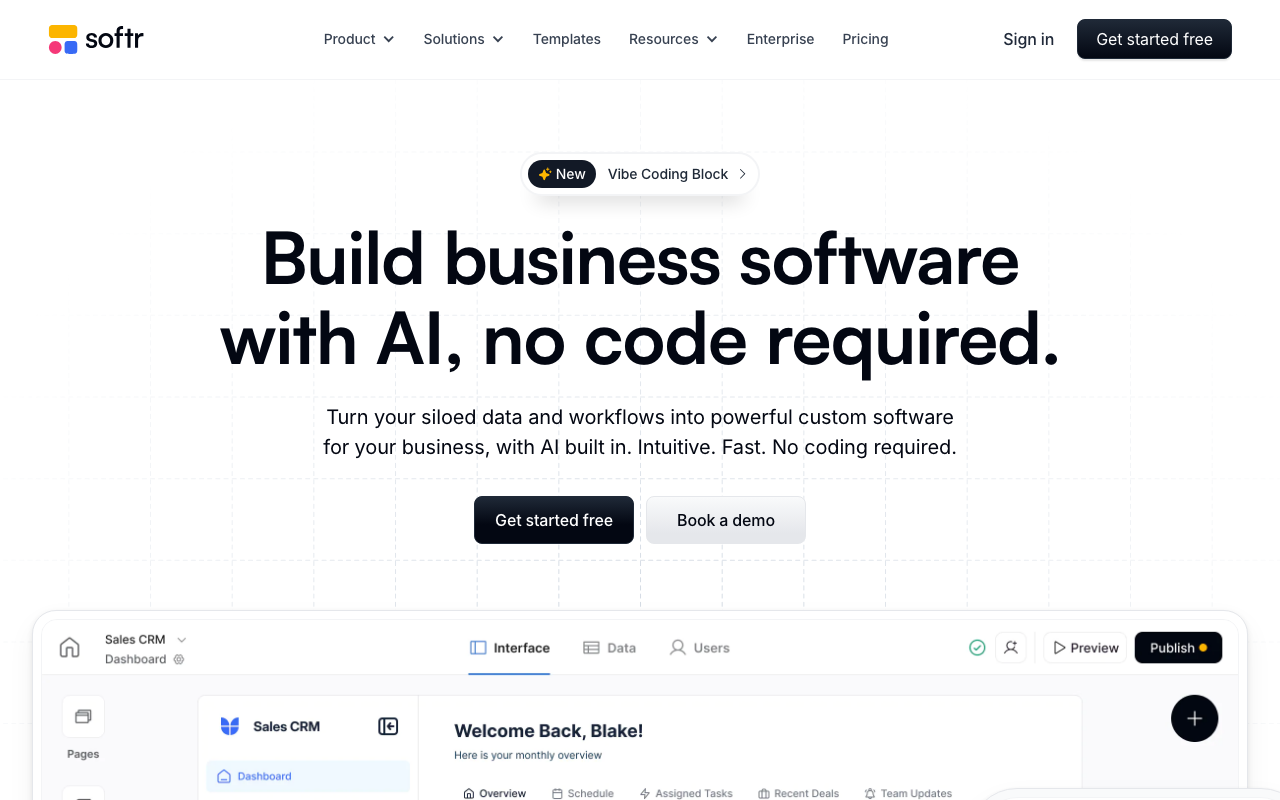
Softr sits in an interesting position: it's part database builder, part app framework, part no-code portal platform. Launched in 2019 and now used by over a million teams, it's built its reputation on letting non-technical operators turn Airtable bases and spreadsheets into real client-facing software — without writing a line of code.
The core promise holds up. You can go from a blank canvas to a working client portal with login, filtered data views, and a custom domain in an afternoon. That's not marketing copy — it's the consistent experience reported by founders, COOs, and agency operators who've published case studies on the platform.
What You're Actually Building
Softr apps are assembled from 100+ building blocks: list views, tables, Kanbans, calendars, charts, forms, and more. Each block connects to your data source and respects user-level permissions. You can control exactly what each logged-in user sees — whether that's a client seeing only their own project records, or an admin with full write access.
The built-in Softr Database is worth highlighting. It's a relational database with linked records that lives entirely inside Softr, removing the need for an external Airtable or Sheets setup if you're starting from scratch. On the Business plan you get up to 1M records. For teams already using Airtable, HubSpot, Supabase, or BigQuery, real-time sync means your portal always reflects live data.
Pricing Breakdown
| Plan | Price | App Users | Apps | Custom Groups |
|---|---|---|---|---|
| Free | $0 | 10 | 1 | Default only |
| Basic | $59/mo | 20 | 3 | Default only |
| Professional | $167/mo | 100 (+$10/10 users) | Unlimited | 3 |
| Business | $323/mo | 500 | Unlimited | Unlimited |
| Enterprise | Custom | Custom | Unlimited | Unlimited |
The user limits are the most common friction point. Ten users on Free and twenty on Basic ($59/month) is tight for anything beyond a proof of concept. Professional at $167/month gives you 100 users with an overflow valve — you can add extra users in blocks of 10 for $10 — which makes the pricing more manageable for growing client rosters.
Non-profits and educational institutions get 30% off any paid plan, which is genuinely useful given Softr's popularity in those sectors.
AI Features
Every plan includes AI credits — ranging from 500/month on Free to 10,000/month on Business. These power three capabilities: Ask AI (natural language queries over your data), AI Database (AI-assisted data management), and AI Agents for automated workflows. It's an emerging part of the product and the credit limits mean heavy AI use will bump you up tiers quickly, but the integration is native rather than bolted on.
Where It Excels
Softr is the right call when your data already lives in Airtable or HubSpot and you need a polished, permission-aware interface on top of it fast. Agencies use it to give clients real-time project visibility. Real estate teams use it for property portals. Professional services firms use it to replace one-way email status updates with interactive dashboards.
The "unlimited collaborators on every plan" policy is genuinely rare — most competitors charge per seat for internal builders. For agencies building portals for multiple clients, that's a meaningful cost difference.
Where It Falls Short
SSO is Enterprise-only, which is a blocker for any mid-market company with a strict identity management requirement. The jump from Business ($323/month, 500 users) to Enterprise pricing can also be jarring — there's no graceful middle ground for companies between 500 and a few thousand users.
Workflow automation — 500 actions/month on Free, 25,000 on Business — is fine for light use but will constrain teams trying to automate complex multi-step processes across large user bases. Power users often end up routing heavier automation through Make or Zapier integrations anyway.
Bottom Line
Softr is the most polished no-code portal builder for teams whose data lives in Airtable, HubSpot, or a SQL database. It rewards non-technical operators who want real product quality without engineering resources. The user limits at lower tiers require honest assessment of your audience size before committing — but for agencies and small-to-mid-market teams within those thresholds, it's one of the fastest paths from data to deployed client portal.

Sarah Chen
Agency & Freelancer Tools Editor
Last verified: 2026-02-27
Compare Softr
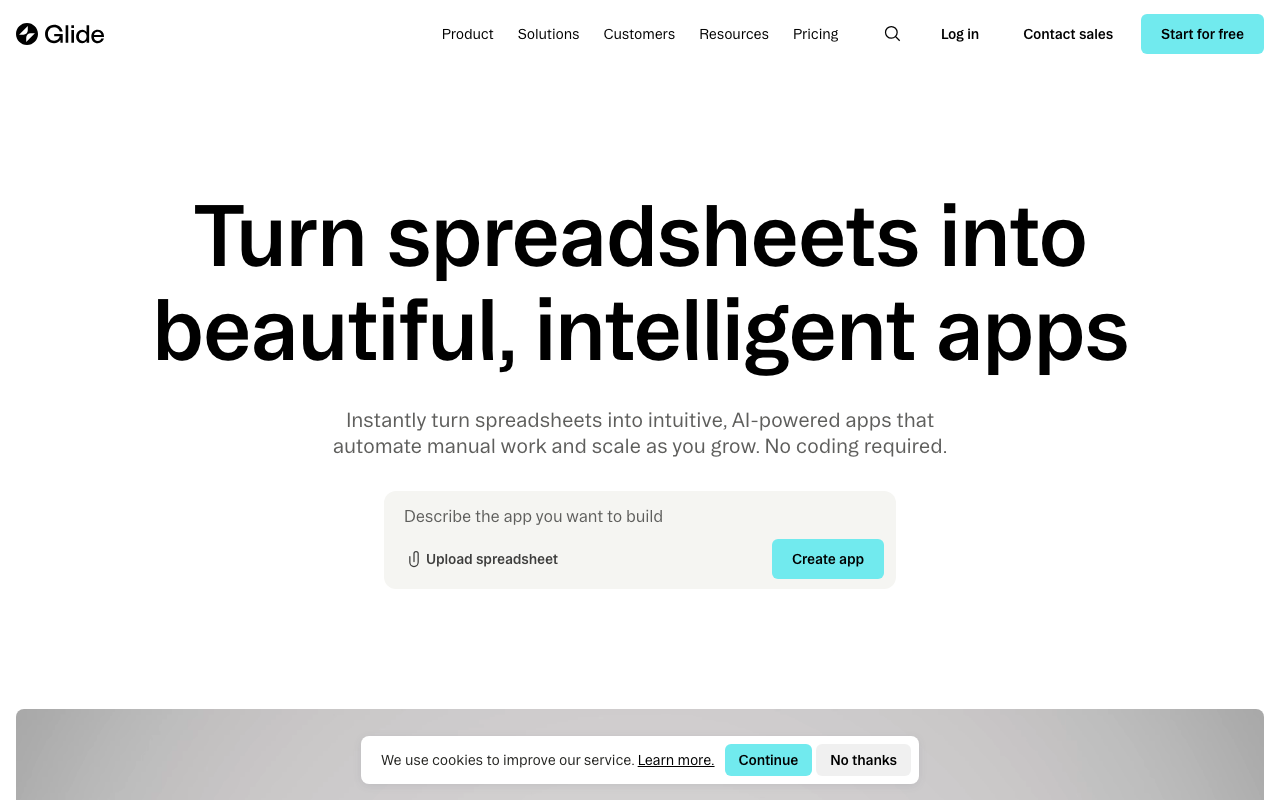
Softr vs Glide: Which Is Better?
No-code portal builders for Airtable and Google Sheets compared.
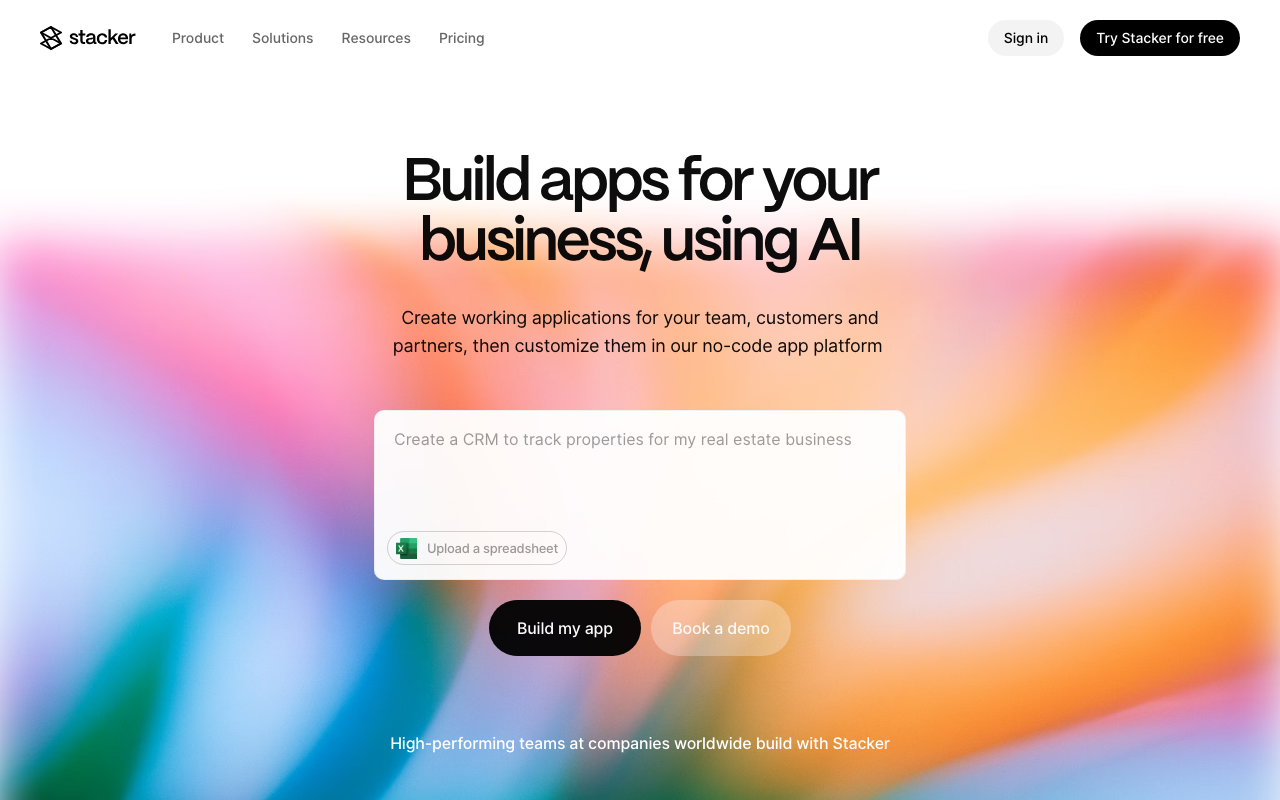
Softr vs Stacker: Airtable Portal Builders Compared
Comparing Softr and Stacker for building client portals on Airtable — pricing, features, and which to choose.
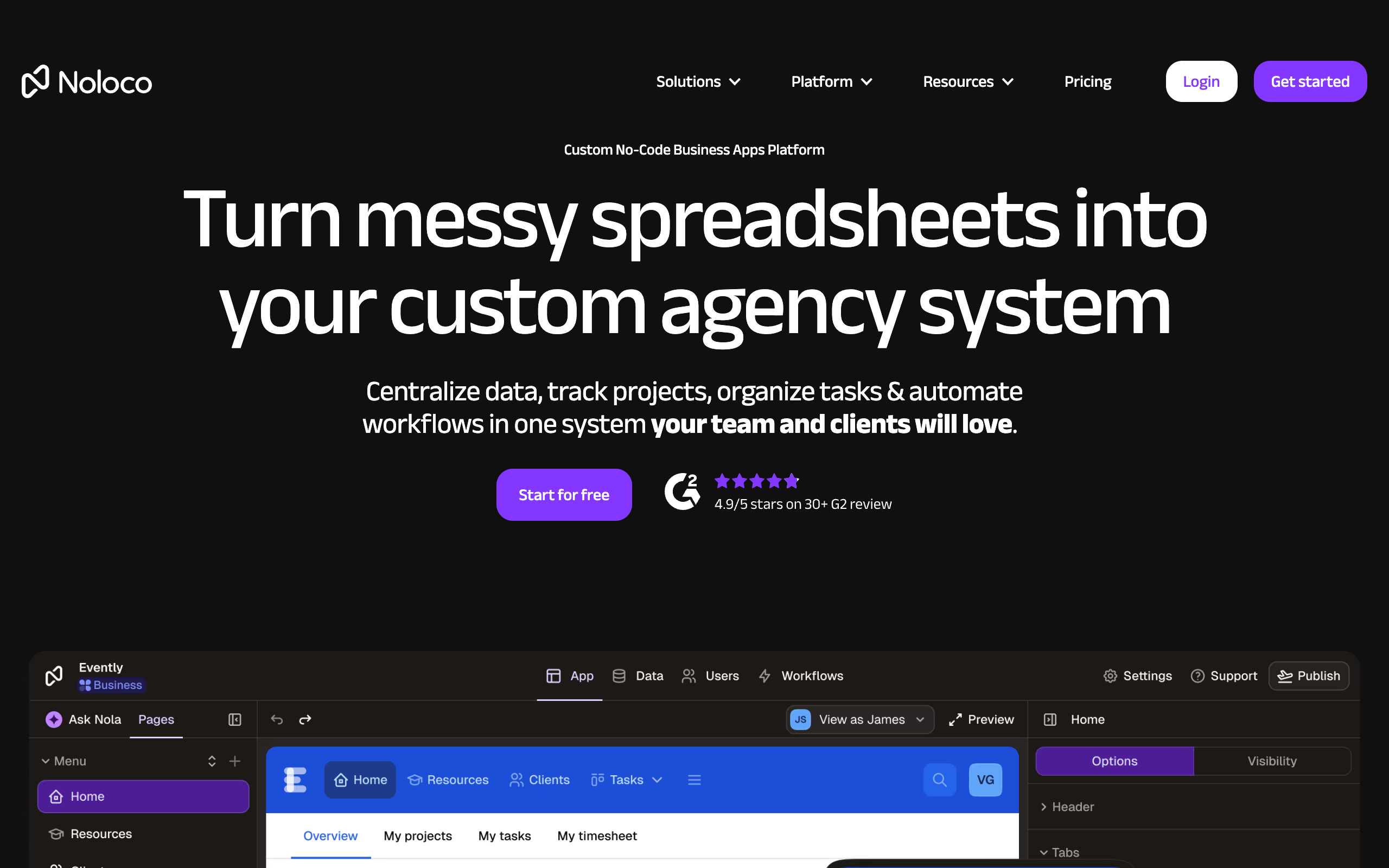
Softr vs Noloco: Which Airtable Portal Builder is Better?
A detailed comparison of Softr and Noloco for building client portals on Airtable.
Read more
Related tools