Smokeball
Legal practice management with automatic time tracking and client portal
Pros
- ✓ Automatic time tracking captures billable hours passively
- ✓ Massive legal form and template library
- ✓ Strong document automation for common legal workflows
Cons
- ✗ Client portal is relatively basic compared to dedicated portal tools
- ✗ Desktop app required for some features (not fully cloud-native)
- ✗ Learning curve with the breadth of features
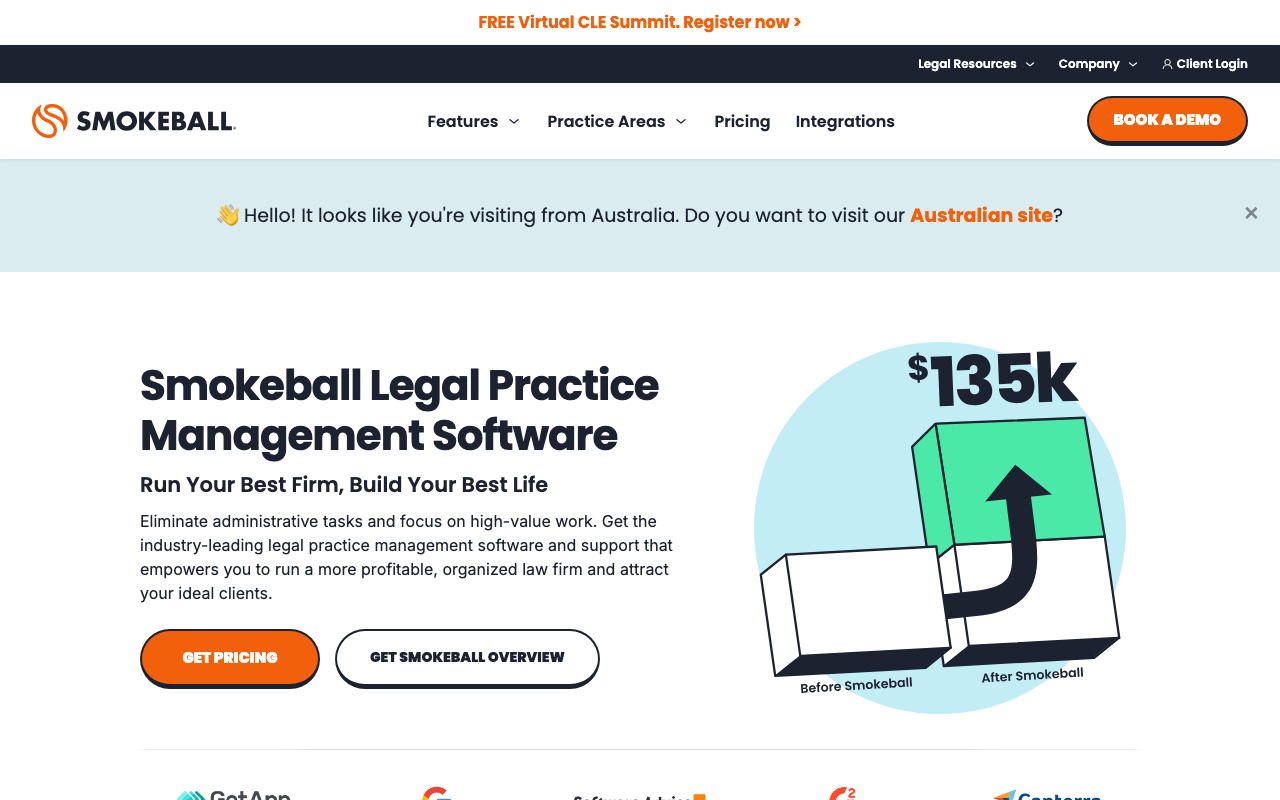
Smokeball is a legal practice management platform built for small to mid-sized law firms. It's best known for AutoTime — passive, automatic time tracking that runs in the background while you work, capturing billable minutes without requiring attorneys to start or stop timers. The client portal is one piece of a larger suite that also covers case management, document automation, billing, trust accounting, and AI-assisted workflows.
Automatic time tracking
AutoTime is Smokeball's flagship differentiator. It monitors activity across the Smokeball app, Microsoft Word, and Outlook, attributing time to the relevant matter automatically. Smokeball claims firms using AutoTime alongside their billing features capture an additional $135,000 in billable time per fee earner annually — a figure that resonates with firms where manual timekeeping is inconsistent or simply forgotten. For high-volume practices like family law, real estate, or personal injury, this alone can justify the subscription cost.
Case and document management
Smokeball organizes every matter in a single cloud-based record: documents, emails, contacts, calendar events, and tasks. The document automation library spans 20,000+ pre-built legal forms across multiple jurisdictions, covering 250+ matter types. Attorneys pull a relevant form, populate it with matter data already stored in Smokeball, and send it — skipping manual drafting for routine documents. You can also upload and automate your own firm templates.
Client portal and intake
The client portal gives clients visibility into their active matters — documents to review, invoices to pay, and case status updates. It handles client intake as well: prospect tracking, conflict checks, matter value estimates, and onboarding flows are built in, so new clients move from inquiry to active matter without leaving the platform. E-signatures are supported for document execution.
Billing and trust accounting
Smokeball supports multiple billing arrangements: hourly, fixed-fee, contingency, and LEDES billing. Invoices are customizable and online payment collection is built in. Trust accounting is handled natively with compliance controls that keep client funds separated from the firm's operating account — important for firms in jurisdictions with strict IOLTA rules. Detailed ledger reports are available for audits or bar compliance.
AI features
Smokeball AI and a matter assistant named Archie sit on top of the firm's centralized data. Archie is positioned as an in-matter assistant that helps attorneys move faster through tasks using the context already stored in Smokeball. The AI features are still evolving, but the tight integration with existing matter data is a meaningful advantage over bolt-on AI tools.
Reporting and insights
Law Firm Insights provides reporting on matter-type profitability, referral revenue, staff time and activity, and overall financial health. These dashboards are aimed at managing partners who want a bird's-eye view of firm performance rather than just individual matter status.
Pricing
Smokeball doesn't publish a standard pricing page — you fill out a form and receive a custom quote based on firm size and selected plan. Published starting prices begin around $149/user/month. There is no free tier. The platform is a meaningful investment for a solo practitioner but becomes more cost-effective at the firm level given the time capture returns.
Limitations
The client portal is functional but relatively thin compared to dedicated portal tools — it's a complement to the practice management suite rather than a standalone communication hub. Some features still require the desktop application, making it less suitable for fully browser-based or mobile workflows. Firms outside Smokeball's supported jurisdictions will find the form library less useful. Onboarding takes time given the breadth of features.

Rachel Adams
Legal Tech Editor
Last verified: 2026-02-25
Read more
Related tools