Pory
No-code portal and directory builder powered by Airtable
Pros
- ✓ Deep Airtable integration — portal updates as data changes
- ✓ Pre-built templates for common portal types
- ✓ User authentication and role-based access
- ✓ Polished, professional output
Cons
- ✗ Limited to Airtable as data source
- ✗ Expensive starting price at $99/month
- ✗ No free tier
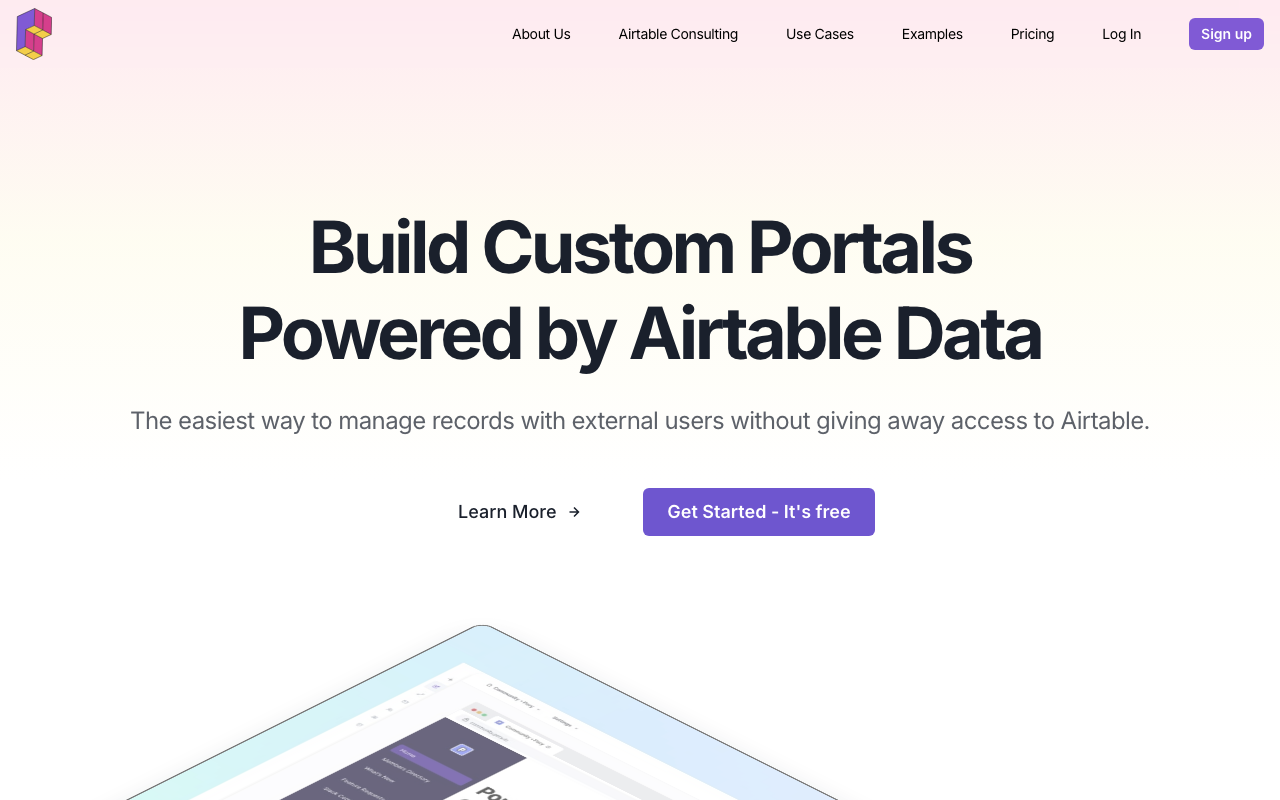
Pory is a no-code portal builder purpose-built around Airtable. Rather than building a general-purpose portal tool and bolting on integrations, Pory made Airtable its first-class data source — and that focus shows in how smoothly the two products work together. Over 30,000 creators and operators use it to expose Airtable data through authenticated portals without paying for extra Airtable seats or writing code.
What you can build
Pory ships templates for the most common portal types: Customer, Community, Volunteer, Supplier, Partnership, and Vendor portals. Each template is a starting point with pre-wired data connections, page layouts, and permission structures. You connect as many Airtable tables and bases as needed, then configure which fields are visible to which user roles.
The output is a polished web portal with user authentication built in. External users log in, see their own data, and can optionally create or edit records depending on the permissions you grant — without ever touching Airtable directly. Changes in Airtable sync through in real time, so the portal is always up to date.
Airtable integration depth
This is Pory's core strength. It supports connecting multiple tables and bases from the same portal, linking related records across tables, and filtering views per user so each client sees only their own data. Google Sheets is also supported as a data source, though the integration is less mature than the Airtable one.
Permissions and user management
Role-based permissions let you define what different user types can view, create, or edit. Users are managed within Pory — you invite them and assign roles, and they authenticate through Pory's login system rather than through Airtable. This keeps your internal Airtable workspace clean and separate from external-facing access.
Limitations
The data source story is narrow. If your data doesn't live in Airtable or Google Sheets, Pory isn't the right fit — there's no database connector, no REST API data source, and no self-hosted option. The tool also lacks deeper workflow automation; you can expose and edit data, but triggering Airtable automations or integrating with third-party services requires external tools like Zapier or Make.
No free tier is available, which makes evaluation harder. The 7-day trial gives limited runway for teams with complex portal requirements.
Pricing
Pricing starts at $99/month per portal on the Professional plan. A 7-day free trial is available. For teams managing multiple client portals, per-portal pricing can become expensive at scale — worth factoring in if you plan to spin up separate portals for each client rather than a single multi-tenant portal.
Bottom line
If your workflow is Airtable-centric and you need to share that data with external users in a clean, branded interface, Pory is one of the most direct paths to a working portal. The no-code setup is genuinely fast, and the pre-built templates cover most common portal structures. Outside of the Airtable ecosystem, though, the tool's value drops off sharply.

Sarah Chen
Agency & Freelancer Tools Editor
Last verified: 2026-02-25
Compare Pory
Related tools