Porchy
Client portals powered by your Airtable data
Pros
- ✓ Fastest setup in the category — working portal in under 5 minutes
- ✓ Clients log in with magic links, no passwords to manage
- ✓ Free tier includes a full portal, not a crippled demo
- ✓ Data stays in Airtable — no migration, no sync issues
- ✓ Very affordable Pro plan at $29/month for unlimited portals
- ✓ Field-level control over what clients see
Cons
- ✗ Airtable only — no Google Sheets or other data sources yet
- ✗ Focused feature set — not a full app builder
- ✗ No built-in messaging or file sharing beyond Airtable data
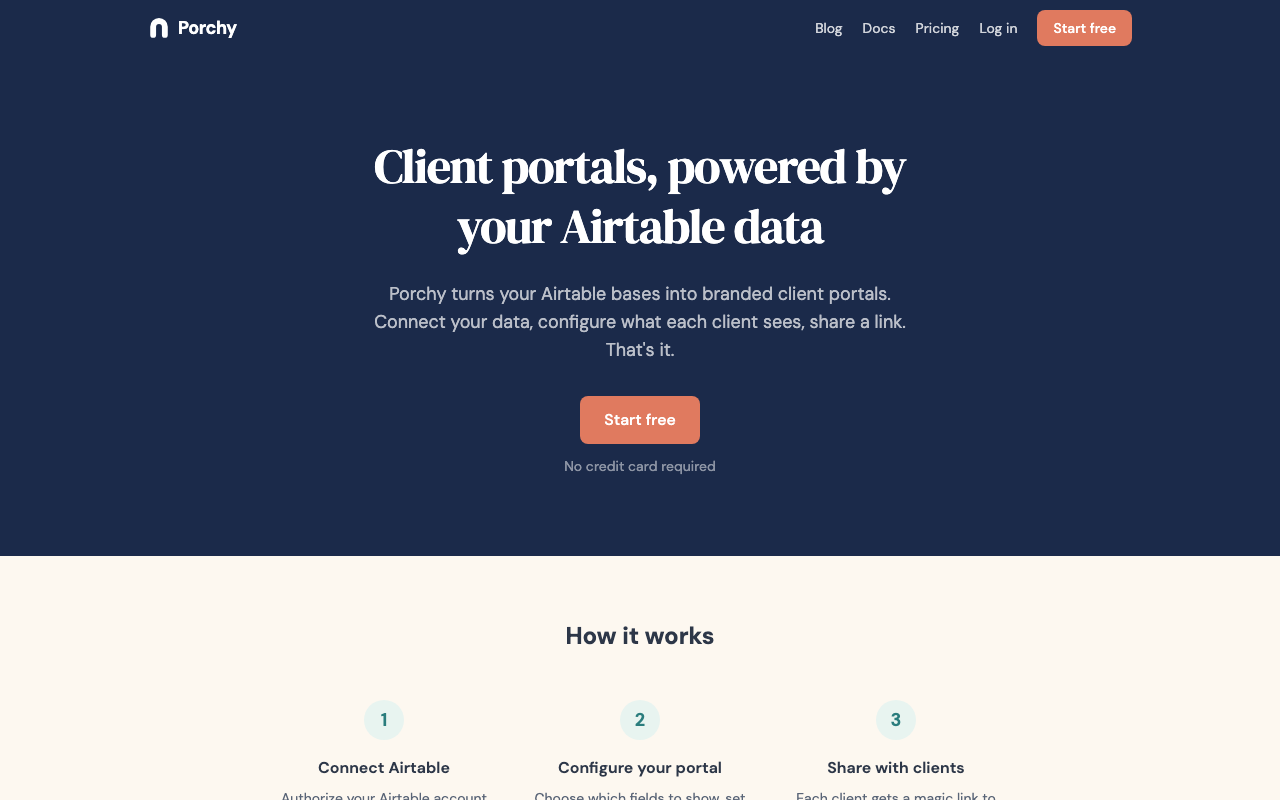
Porchy turns your Airtable base into a branded client portal without any migration, data duplication, or sync headaches. Your Airtable base stays exactly as it is — Porchy reads from it directly and renders a clean, client-facing interface on top. Update a record in Airtable and the portal reflects it immediately.
How it works
The setup flow lives inside an Airtable extension. Connect Porchy, choose which bases and tables to expose, configure field-level visibility for each client, and set your branding — logo, colors, layout. Each client gets a magic link. They click it, they're in. No account creation, no password reset emails, no onboarding friction.
Row-level filtering is automatic: each client sees only their records. You control which fields are visible at a per-portal level, so a client portal for one project can surface different columns than one for another.
Who it's for
Porchy is a strong fit for agencies, consultants, and freelancers already running their operations in Airtable who want a faster, more professional alternative to sharing raw Airtable views. If you've been copy-pasting data into Google Docs or emailing CSV exports to give clients visibility into their projects, Porchy closes that gap in under five minutes.
It's particularly well-suited to service businesses managing many clients in a single base — the per-client filtering handles the separation automatically, without duplicating tables or maintaining separate bases per client.
Pricing
Porchy keeps pricing simple. The free tier covers one portal and one client with no time limit and no credit card required — enough to validate the workflow before committing. If you exceed the free plan's portal limit, newer portals are paused rather than deleted.
The paid plan runs $29/month or $290/year (equivalent to two months free), unlocking unlimited portals and clients. That positions Porchy as one of the most affordable options in the Airtable portal category — especially compared to full no-code builders that charge per seat or per app user.
Porchy works with any Airtable plan, including the free tier.
Limitations
The tool's focus is also its main constraint. Porchy works exclusively with Airtable — there's no Google Sheets, Notion, or other data source support. It's also not a general app builder: you can't add custom forms, automation workflows, internal comments, or file sharing beyond what's already in your Airtable data. Teams that need those capabilities will need to look at broader platforms like Softr or Noloco.
For its specific scope — giving clients a read-friendly, filtered, branded window into their Airtable records — it's hard to beat on speed or price.
Want me to apply this to the file?

Sarah Chen
Agency & Freelancer Tools Editor
Last verified: 2026-02-25
Compare Porchy
Related tools