Notion (as a portal)
Use Notion's shared pages and databases as a lightweight client portal
Pros
- ✓ Free for personal use — low barrier to entry
- ✓ Extremely flexible content and database system
- ✓ Clients may already be familiar with Notion
- ✓ Great for project documentation and knowledge sharing
Cons
- ✗ Not designed as a portal — no custom branding, domains, or login pages
- ✗ Guest permissions are limited (can't restrict to specific rows)
- ✗ Clients see Notion's UI, not your brand
- ✗ No built-in invoicing, payments, or file management
The body content is ready to write. Here it is for your review:
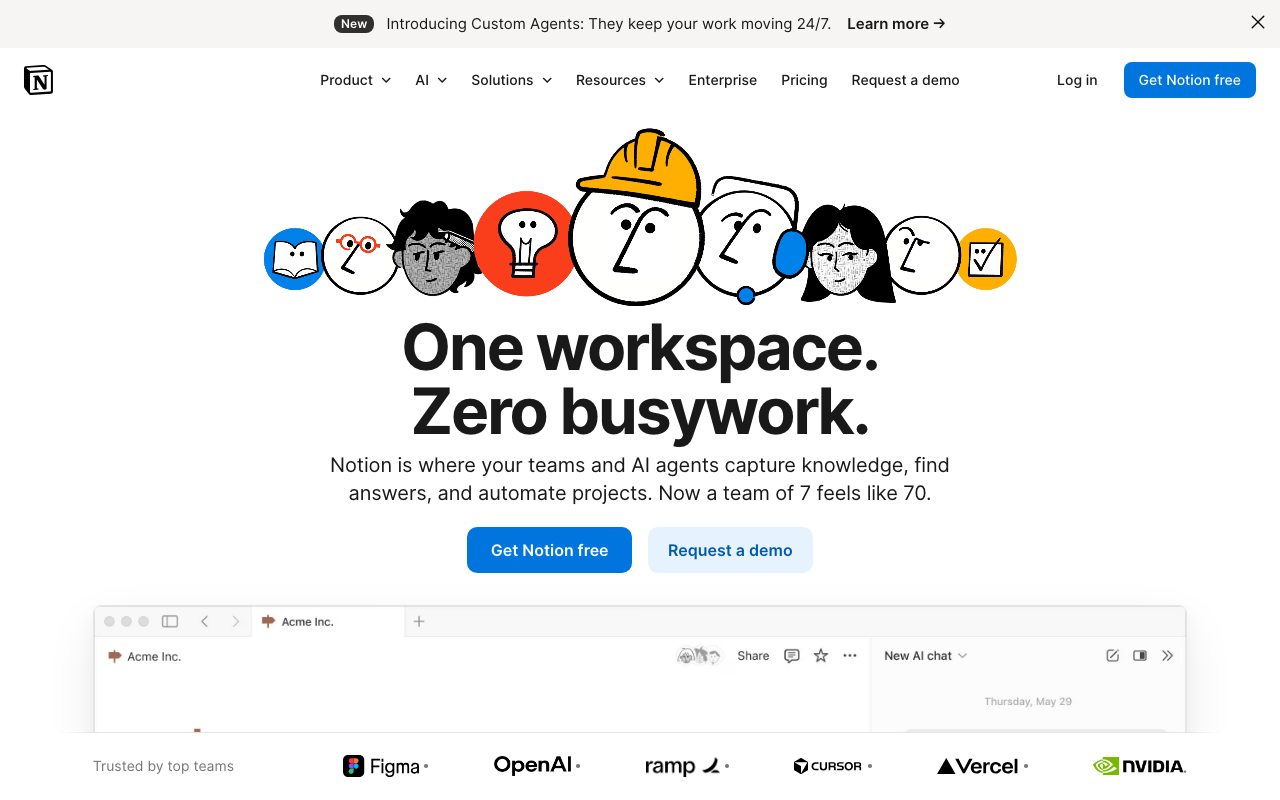
Notion isn't a portal builder, but plenty of teams use it as one anyway. By sharing pages and databases with clients as guests, you can assemble a surprisingly capable project space — documentation, task boards, status dashboards, and shared databases — without leaving the tool you already use internally.
How it works as a portal
The core mechanic is guest access. Invite a client's email address to a specific page (or a whole section of your workspace) and they get a Notion account with view or edit permissions. From there you can build whatever structure makes sense: a project overview page, a database tracking deliverables, a shared content calendar, an intake form via Notion Forms. Because Notion's block editor handles everything from rich text to embedded files to synced databases, you can create genuinely useful client-facing content without much effort.
Templates make this repeatable. Build a project portal structure once and duplicate it for each new client, pre-populated with your standard sections and linked databases.
Pricing
Notion has a free plan that covers personal use with limited blocks and up to 10 guests — enough for a freelancer with one or two active clients. The Plus plan runs $12/user/month (billed annually) and adds unlimited blocks, unlimited file uploads, and up to 100 guest seats. Business is $18/user/month and adds SAML SSO, private teamspaces, advanced analytics, and 250 guest seats. Enterprise pricing is custom, with audit logs, dedicated onboarding, and compliance controls including HIPAA and SOC 2 Type II.
Guest access is included at all tiers, but the number of guests per page and their permission granularity vary by plan.
Where it works well
Teams already living in Notion get the obvious benefit: no context switching, no extra tool to pay for, and clients often already have a Notion account. The database system is genuinely powerful — you can build views filtered by status, assignee, or due date, embed those views inside a client portal page, and let clients interact with just the rows relevant to them (manually, at least). Notion AI adds document drafting and summarization across the workspace, which can accelerate writing project briefs or client-facing summaries.
For agencies managing project documentation, onboarding wikis, or content workflows, Notion produces a polished-looking workspace that clients respect — even if it doesn't carry your brand.
Limitations as a portal
Notion was not designed for this use case, and the gaps are real:
No custom branding or domain. Clients land on notion.so with the Notion logo visible. You can't white-label the experience or create a dedicated login page under your own domain.
Coarse guest permissions. You can give a guest access to a page, but you can't restrict them to specific rows in a database. If your deliverables database includes internal notes alongside client-visible tasks, there's no clean way to hide rows — only entire pages or databases.
No built-in client-specific features. There's no invoicing, payment collection, contract signing, or file request functionality. No client activity tracking, no notifications when a client views a page, no audit trail.
Scaling gets messy. With many clients, managing individual guest permissions across dozens of pages becomes error-prone. There's no concept of a client "account" that scopes their access automatically.
AI and advanced features cost more. Notion AI is an add-on at $10/user/month on top of your base plan, which can push costs higher than purpose-built portal tools for larger teams.
The bottom line
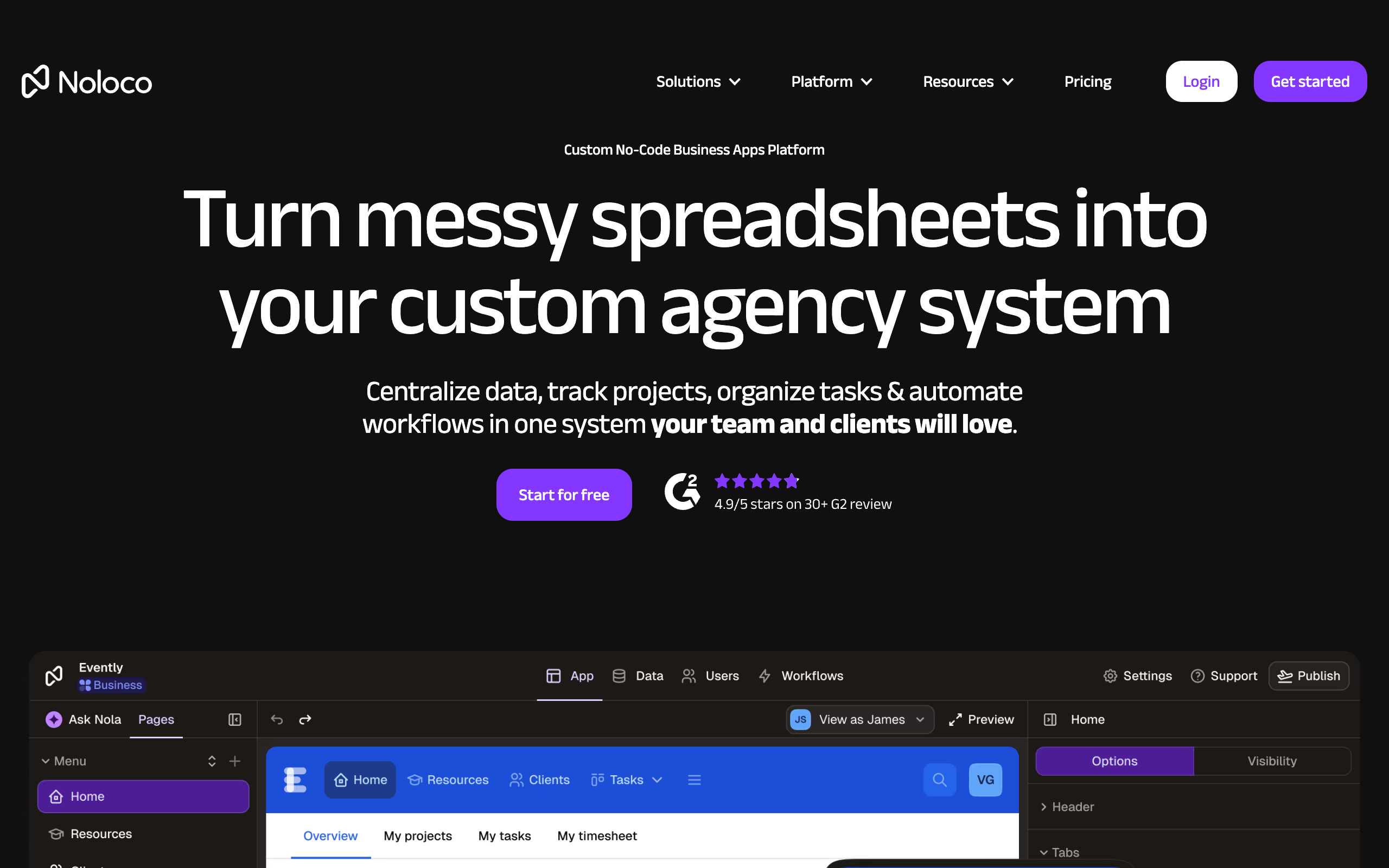
Notion-as-a-portal is a practical choice if you're already in Notion and your clients don't need a branded experience. It's genuinely flexible and familiar — but the moment you need white-labeling, row-level permissions, or built-in client workflows, you're looking at workarounds or a dedicated portal tool. Several purpose-built portals (Softr, Pory, Noloco) can actually read from Notion databases and turn them into polished, branded portals — worth considering if Notion is already your source of truth.
Approve the write and I'll save it to the file.

Sarah Chen
Agency & Freelancer Tools Editor
Last verified: 2026-02-25
Related tools