Noloco
Build internal tools and client portals from your data
Pros
- ✓ Polished UI out of the box — looks professional immediately
- ✓ Strong permissions model with row-level security
- ✓ Built-in workflows and automations
- ✓ Supports multiple data sources
Cons
- ✗ No free tier — starts at $49/month
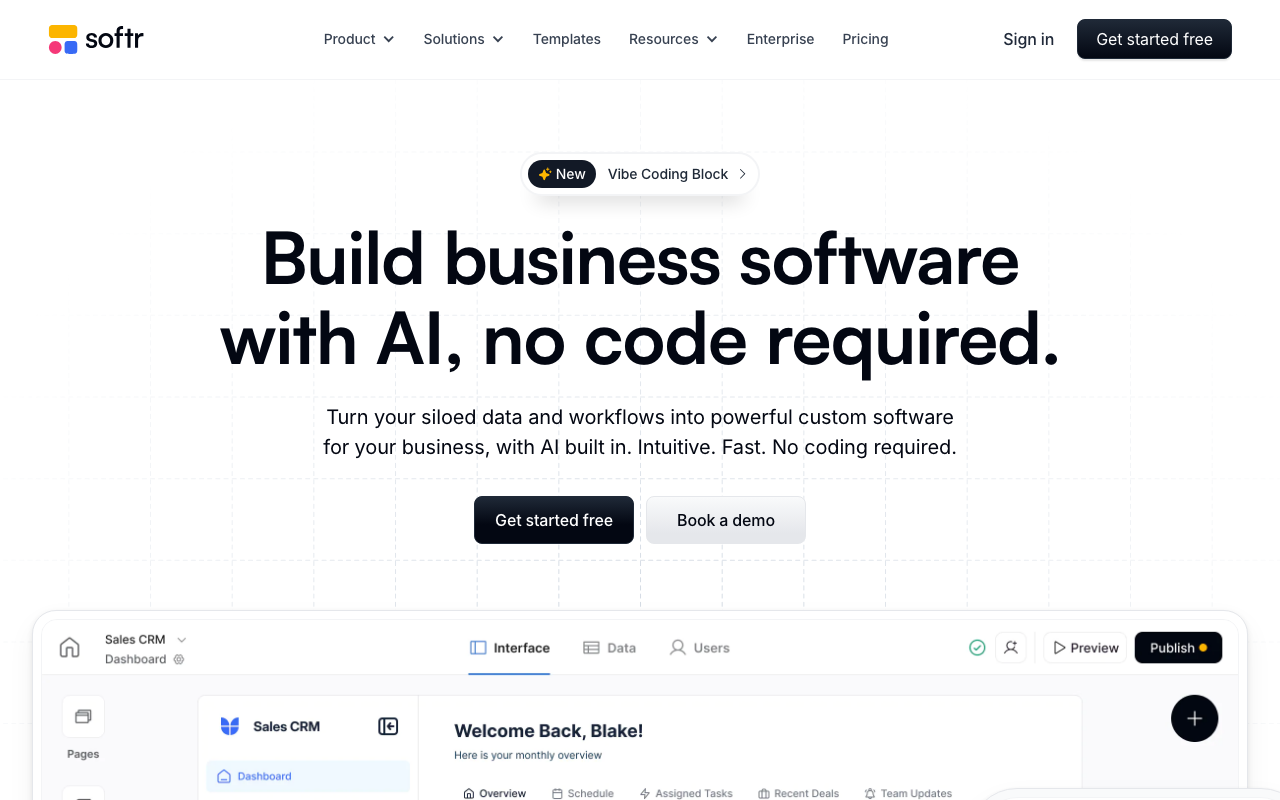
- ✗ Smaller community and ecosystem than Softr
- ✗ Limited third-party integrations compared to alternatives
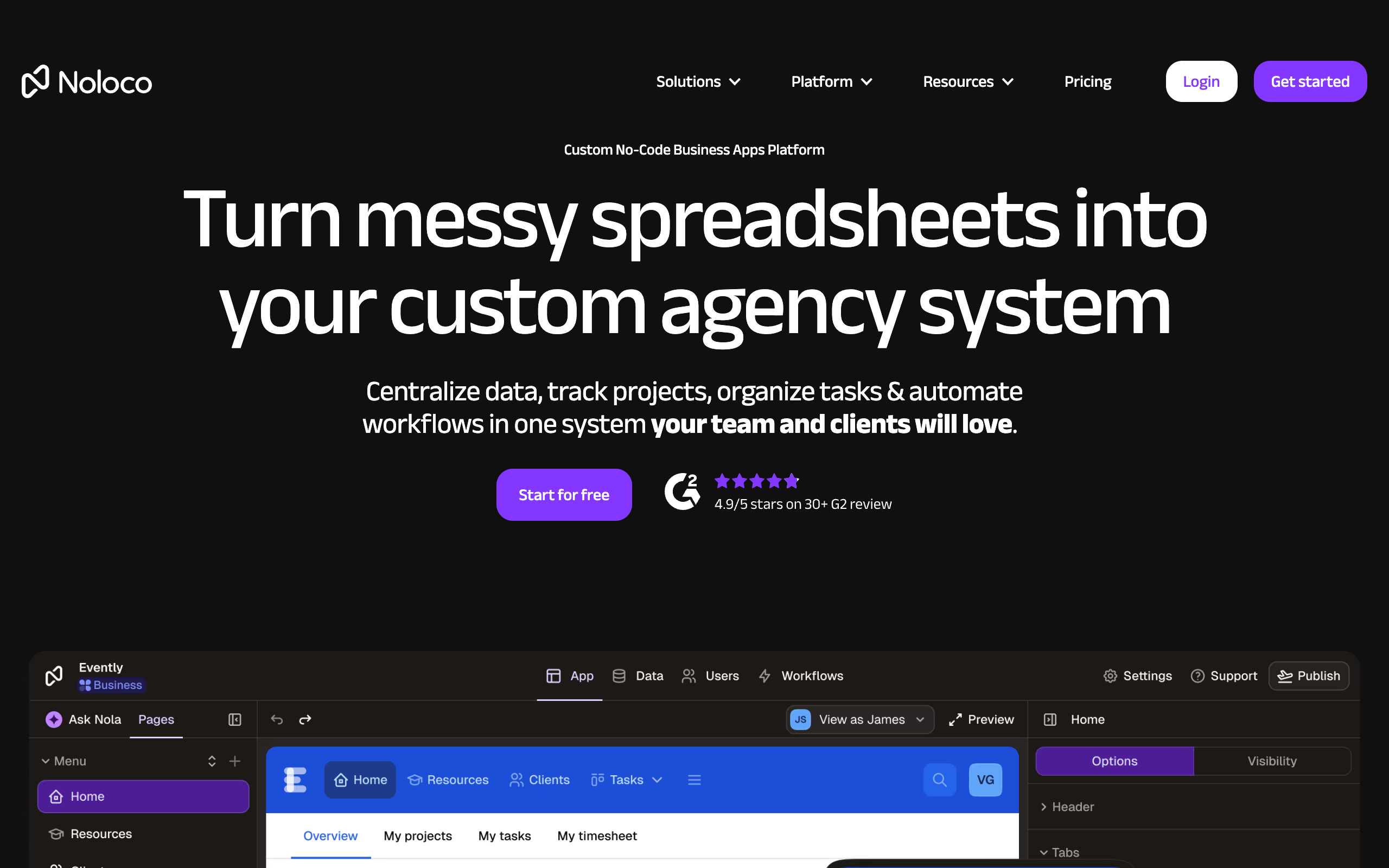
Noloco is a no-code app builder aimed squarely at agencies and professional services firms that have outgrown spreadsheets but don't want to pay for custom software development. Rather than offering a simple client-facing portal, it positions itself as a full operating system — combining an internal database, project management, CRM, client portal, automations, and intranet under one roof.
Who It's For
Noloco targets agencies managing multiple clients who need both internal tooling and client-facing portals from the same platform. The pitch is consolidation: replace the patchwork of Airtable, spreadsheets, and off-the-shelf project tools with a single configurable system. Over 1,000 agencies reportedly use the platform, with case studies including GAP Consulting (which cited a 50% increase in billable hours), Pravar Group (saved headcount by replacing Excel), and a Hoda Law Firm attorney who built tools enabling three people to do the work of ten.
Core Capabilities
The platform centers on a no-code database layer where you define tables, typed fields, and relations. On top of that, you build "apps" — configurable front-ends with custom layouts, filtered views, and role-based visibility. Clients and team members log into the same app infrastructure but see only what their permissions allow.
Record-level and field-level permissions are a genuine differentiator. Rather than using filters as a security façade, Noloco enforces access at the data layer — controlling which records and which individual fields each role can read, edit, or create. This matters for agencies sharing partial project data with clients.
Automation is built in via workflow triggers, action buttons, and loops. You can send emails, fire webhooks, notify Slack, or chain multi-step sequences without leaving the platform. Workflow runs are metered by plan, which becomes a real consideration for high-volume automations.
A recently introduced AI assistant called Nola can generate tables, set up pages, and build workflows from prompts. It's currently in open beta and available across all plans.
Integrations
Noloco connects to a wide range of data sources: Airtable, Google Sheets, SmartSuite, Xano, HubSpot, Stripe, PostgreSQL, MySQL, and Supabase. Airtable, SmartSuite, and Stripe sync live; Google Sheets syncs on a schedule. Beyond data, it integrates with Zapier, Make, Slack, QuickBooks, Jira, MailChimp, Harvest, and several others for workflow automation.
Pricing
All prices shown are monthly; annual billing saves 20%.
- Free — $0: 3 team seats, 7 client seats, 2,000 rows, unlimited apps, 100 workflow runs. Good for evaluating the platform but impractical for real work.
- Starter — $49/month: 4 team seats (+$4 each), 10 client seats (+$0.50 each), 10,000 rows, 5,000 synced rows, 1,000 workflow runs. Apps carry a "Powered by Noloco" badge; no custom domain.
- Pro — $149/month: 10 team seats (+$6 each), 50 client seats (+$1 each), 50,000 rows, 25,000 synced rows, 3,000 workflow runs, custom domain, record- and field-level permissions, custom code. This is where the platform becomes genuinely useful for client portals.
- Business — $319/month: 30 team seats (+$10 each), 100 client seats (+$1 each), 200,000 rows (additional at $75/25k), 100,000 synced rows, 10,000 workflow runs, unlimited user roles, priority syncing.
- Enterprise — custom pricing with dedicated support, SLA, and up to 10M rows.
Extra workflow runs cost $50/month per 1,000 runs across all paid plans.
Limitations to Consider
Row limits are the most common friction point — 50,000 rows on Pro sounds large until you're syncing multiple Airtable bases for multiple clients. The per-seat pricing for both team members and clients adds up quickly at scale; an agency with 15 team members and 200 active clients would push well into Business territory and beyond. Workflow history is also limited by plan (2 weeks on Free/Starter, up to 3 years on Business).
The platform is fundamentally a builder tool — there's no pre-built client portal template you can deploy out of the box. You're configuring a system, not customizing a product. That flexibility is the point, but it means meaningful setup time and some no-code proficiency.
Bottom Line
Noloco makes the most sense for agencies willing to invest setup time in exchange for a fully custom operational system. If you need a quick, polished client portal with minimal configuration, simpler tools will serve you better. But if you're managing complex, multi-client service delivery and want one platform that handles both your team's workflows and clients' visibility — without hiring developers — Noloco's combination of real permissions, live data syncing, and genuine automation depth is hard to match at its price point.

Sarah Chen
Agency & Freelancer Tools Editor
Last verified: 2026-02-25
Compare Noloco
Read more
Related tools