Moxo
Client interaction hub for service businesses
Pros
- ✓ Enterprise-grade security with SOC 2 compliance
- ✓ Built-in workflow orchestration for client onboarding
- ✓ Integrated messaging, docs, and video in one platform
- ✓ Strong mobile experience
Cons
- ✗ Higher price point — geared toward mid-market and enterprise
- ✗ Not as flexible as build-your-own portal tools
- ✗ Overkill for simple file-sharing use cases
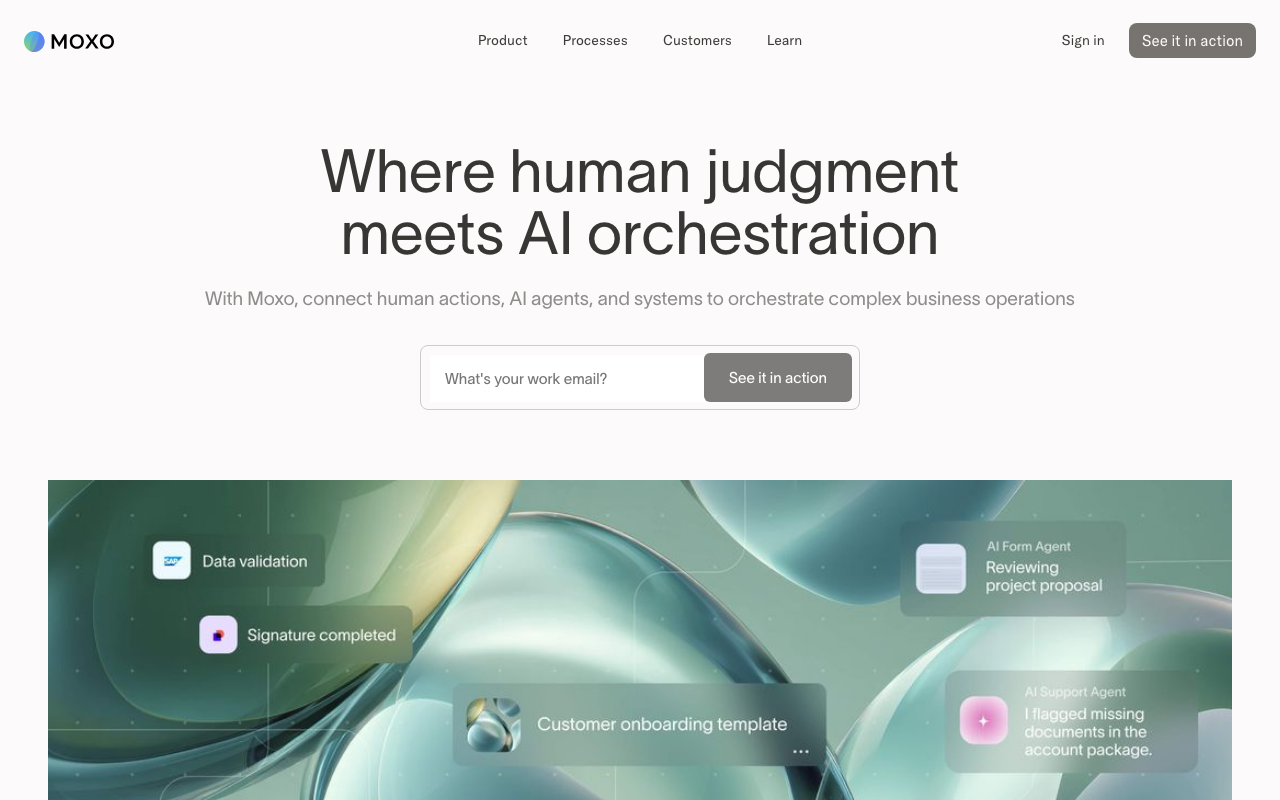
Moxo (formerly Moxtra) is a workflow orchestration platform that combines human actions, AI agents, and system integrations into structured client-facing processes. Originally a client messaging hub, it has evolved into a broader operations tool targeting organizations that run complex, multi-party workflows — onboarding, implementations, account management, order fulfillment — where accountability and audit trails matter.
Core model: workflows, not just portals
Moxo organizes work around templated workflows rather than shared folders or project boards. Each workspace maps to a client engagement, and processes move through defined steps: approvals, file requests, e-signatures, form fills, task assignments, and scheduled meetings. AI agents handle preparation and routing — pre-filling data, validating submissions, nudging stuck steps — while humans retain decision authority at each critical junction. This hybrid model is genuinely differentiated from simpler portal tools.
Branching logic supports non-linear processes: conditional routing based on form inputs, parallel workstreams, rework loops with review–revise–resubmit cycles, and SLA timers with automatic escalations. Role-based routing assigns work based on permissions rather than manual triage.
Features worth knowing
- Process studio with a no-code workflow builder and reusable templates
- Shadow flows for parallel supporting processes alongside a main workflow
- Secure in-context messaging threaded to specific workspace steps
- eSignature support with document templates
- Video meetings with screen sharing built into the platform
- Spotlight for recording annotated walkthroughs on files
- Service requests and live chat routing (Business plan and above)
- Co-browsing for joint form filling during meetings (Business and above)
- Embeddable SDKs for iOS, Android, JavaScript, React Native, and Cordova
External clients access workspaces via magic link email — no account creation required — which lowers friction for one-time participants.
Integrations and deployment
Moxo connects to Salesforce, HubSpot, DocuSign, Outlook, and Google Calendar. Data sync integrations push workspace data to CRMs and ERPs; incoming/outgoing webhooks and a REST API are available on Business and Enterprise plans. For organizations with strict data residency requirements, private cloud and on-premises deployment options exist as add-ons.
Pricing
Moxo does not publish flat per-seat pricing publicly. The free tier includes 50 workspaces per year and 100 AI credits — enough to evaluate the platform. Paid plans are quote-based and scale with active users:
- Starter: Basic automations, 10 GB storage per active user, external and internal portals, core workflow features
- Business: Adds management reporting, data sync integrations, co-browsing, service requests, live chat, audit tools, 25 GB storage per active user; custom domain and private-label mobile app available as add-ons
- Enterprise: SAML SSO, REST API, SDK access, on-premises/private cloud add-ons, 250 GB storage, dedicated account management
Expect mid-market pricing — the platform is not cost-effective for small teams running simple file exchange.
Notable customers
Moxo's customer list skews heavily toward regulated industries: FIS, Scotiabank, and Emirates Bank in financial services; Procore and Palmetto Solar in construction and energy; Savills in commercial real estate; ChenMed in healthcare. This reflects the platform's strength in compliance-sensitive client engagement rather than lightweight creative agency work.
Limitations
Moxo is a significant operational platform, not a lightweight portal. Setup requires meaningful workflow design work upfront. The pricing model (quote-based, per-active-user storage) makes cost unpredictable at scale. Teams that need a simple file-sharing or project status portal will find it over-engineered. The white-label mobile app requires a paid add-on and iOS apps ship as unlisted business apps — not publicly listed on the App Store.

Sarah Chen
Agency & Freelancer Tools Editor
Last verified: 2026-02-25
Compare Moxo
Read more
Related tools