Knack
Build online databases and portals without code
Pros
- ✓ Powerful relational database with a visual builder
- ✓ Very flexible — can model complex business logic
- ✓ Strong user permissions with page-level and record-level rules
- ✓ Well-documented API for custom integrations
Cons
- ✗ Steeper learning curve than simpler portal tools
- ✗ UI builder feels dated compared to newer platforms
- ✗ Can be slow with large datasets
- ✗ No free tier
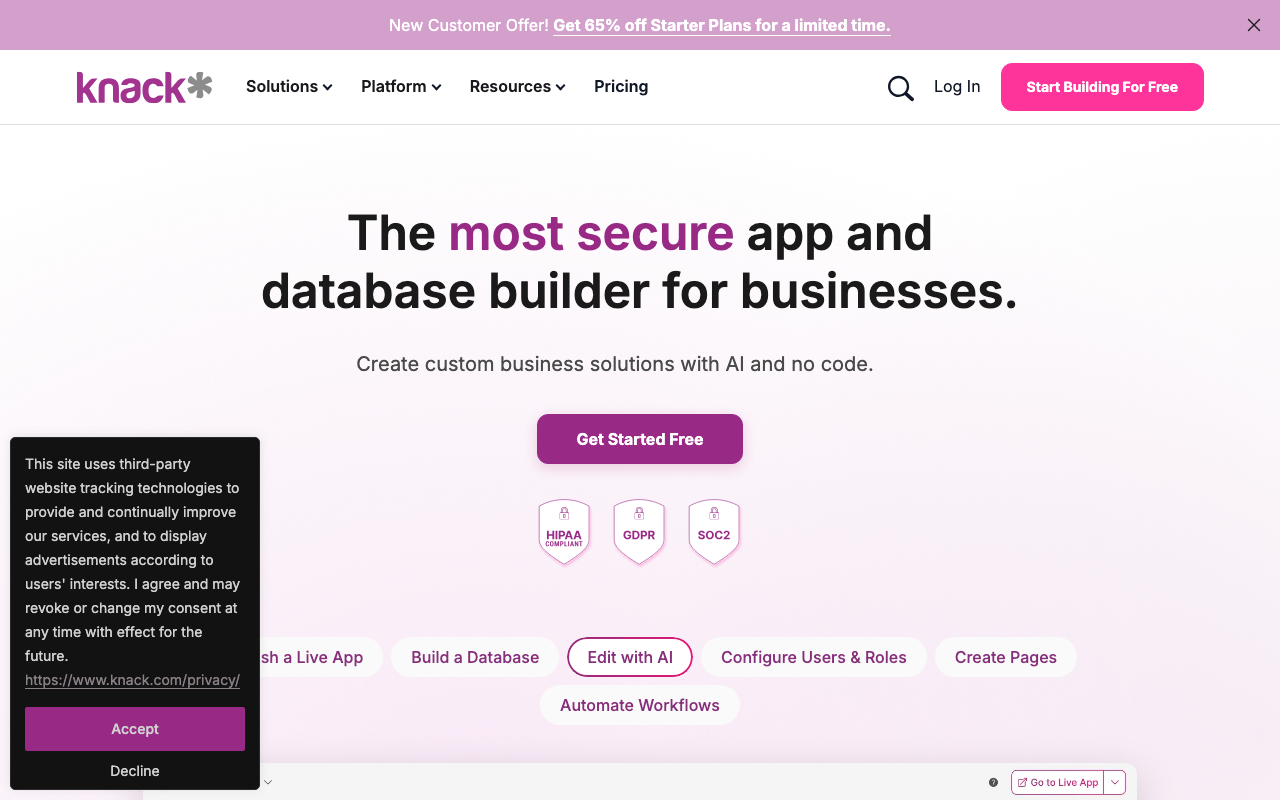
Knack is a no-code database and app builder that sits in the same category as Airtable and Zoho Creator, but with a stronger emphasis on building externally-facing portals. Rather than shipping a pre-built portal product, Knack gives you the building blocks — a relational database, form builder, role-based access controls, and a drag-and-drop interface layer — to construct customer portals, vendor portals, CRMs, and similar data-driven apps from scratch.
What You're Actually Building
The core abstraction is an object database with connected records, not unlike a visual relational database. From that foundation you build "views" — tables, forms, calendars, maps, search pages — and assemble them into pages that different user roles can access. For a client portal use case, this typically means: clients log in and see only their own records, submit requests via forms, view project status or invoice history, and download files. The access control system is granular enough that you can scope record visibility down to individual fields.
This flexibility is Knack's main selling point and its main challenge. You can build almost anything, but you're always building — there's no "turn on the client portal" toggle. Expect to invest meaningful configuration time before anything is live.
Features Worth Noting
- No-code database: Multi-object schemas with relationship fields, formula fields, and file attachments
- User authentication and roles: Support for multiple user roles with field- and record-level permissions
- Workflows and automations: Trigger emails, update records, or call external APIs based on rules
- Reports and dashboards: Built-in chart and pivot table builders you can surface to portal users
- E-commerce: Payment collection via Stripe, useful for portals that handle billing
- AI app building: A newer feature that lets you describe an app and get a schema and views scaffolded automatically
- Embeddable apps: Knack apps can be embedded in an existing website rather than hosted standalone
Pricing
Knack offers three main tiers. The Starter plan runs around $39/month (billed annually) and covers one app, up to 20,000 records, and basic features. The Pro plan at approximately $79/month adds multiple apps, more records, and unlocks e-commerce and API access. Enterprise plans with SSO, custom contracts, and higher limits are available at custom pricing. All plans include unlimited end users, which matters — you're not paying per client who logs into your portal.
The pricing page was running a promotional discount at the time of writing (65% off Starter), so worth checking current rates directly.
Who Uses It
The customer examples lean heavily toward mid-market operations teams and government agencies. Austin's city traffic department is a cited reference. Healthcare organizations use it for patient portals and intake forms. Construction and property management firms use it for work order and asset tracking portals. Knack markets to a builder persona — internal ops people, consultants, and agencies — rather than end-business buyers who want something ready out of the box.
Integrations
Knack connects to Zapier, Make (formerly Integromat), and has a REST API available on Pro and above. Native integrations include Stripe for payments, Google Maps for location fields, and various email providers. For more complex workflows, most teams rely on Zapier/Make as the middleware layer.
Limitations
The biggest friction point is the learning curve. Building a functional portal requires understanding Knack's data model, which is more like a database than a traditional SaaS app. The front-end customization options, while improving, are still constrained — you're working within Knack's theming system rather than writing custom CSS freely. Mobile responsiveness works but isn't polished by default. And because everything is custom-built, there's no shared roadmap of portal-specific features (like client messaging or e-signature) that you can simply activate.
Bottom Line
Knack is the right choice if you need a portal that closely matches a specific internal data model and are willing to invest in configuration. It's not the right choice if you want a client portal up and running in an afternoon. The platform rewards builders who are comfortable with relational data concepts and have ongoing use cases that don't fit neatly into purpose-built portal tools.

Tom Bradley
Senior Editor
Last verified: 2026-02-25
Compare Knack
Read more
Related tools