Glide
Build apps and portals from spreadsheets — no code required
Pros
- ✓ Excellent mobile-first design — portals look great on phones
- ✓ Generous free tier for small projects
- ✓ Computed columns add logic without formulas in your spreadsheet
- ✓ Large template library and active community
Cons
- ✗ Desktop layouts can feel constrained compared to competitors
- ✗ Row limits on free and lower-tier plans
- ✗ More app-oriented than portal-oriented — some portal patterns require workarounds
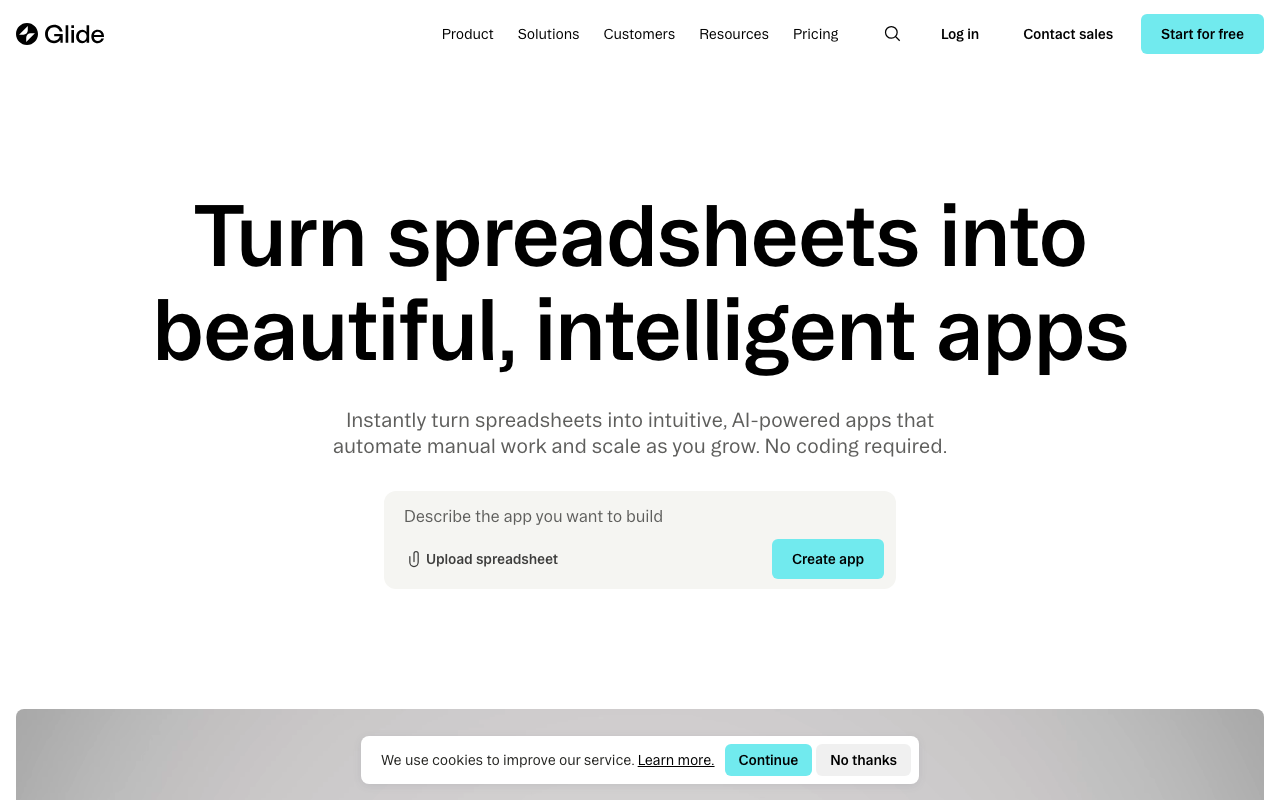
Glide is a no-code app builder that turns spreadsheets and databases into polished, responsive applications. While it's broader than a dedicated client portal tool, it's a legitimate option for teams that want a custom-built portal without hiring developers — especially when your data already lives in Google Sheets, Airtable, or Excel.
How it works
Connect a data source and Glide generates a structured app from your tables. You then customize layouts using a drag-and-drop editor, add computed columns for business logic, and configure role-based permissions so each user sees only their own data. Glide handles authentication, hosting, and mobile/desktop responsive design automatically. The Data Editor provides a spreadsheet-like interface for managing records directly in Glide, so you're not always jumping back to the source.
The workflow builder lets you automate actions triggered by emails, webhooks, or schedules — useful for things like sending notifications when a client submits a form or a project status changes. AI features are integrated throughout: Glide can auto-generate app structures, run AI agents to extract data from documents, or draft content on your behalf.
Portal-specific capabilities
Glide supports user authentication, row-level data filtering (so clients only see their own records), custom domains, and fine-grained role permissions. You can build intake forms, status dashboards, file views, and approval workflows — all the pieces a client portal needs. Custom UI components can be generated through a chat interface, covering interactive cards, progress bars, and sliders.
The tradeoff is that portal patterns require more manual assembly than dedicated portal tools. There's no built-in onboarding flow, no client notification system out of the box, and sharing access is more "app user management" than "send a client invite link." Teams comfortable with configuration won't find this a dealbreaker, but it does add setup time.
Data sources and integrations
Glide syncs bidirectionally with Google Sheets, Airtable, and Excel. For more demanding use cases, it connects to PostgreSQL and supports Big Tables with up to 10 million rows per project. Out-of-the-box integrations include HubSpot, Stripe, QuickBooks, Intercom, and Slack, plus access to 100+ additional sources via its integration layer and API.
Pricing
Glide offers a free tier for basic experimentation. The Business plan runs $199/month billed annually and includes 30 users, with additional users at $5/month each. It includes 5,000 workflow updates per month (then $0.02 per update) and up to 100,000 rows. The Enterprise plan is custom-priced and adds SSO, data backups, enterprise integrations, an account manager, and SLA guarantees.
There's also Glide Solutions, a managed service where Glide agency partners build your app for you — typically delivered in four weeks. This is relevant for businesses that want a custom portal without internal development resources.
Security and compliance
Glide holds SOC 2 Type 2 certification. Enterprise plans include SSO, custom terms of service, domain monitoring, and SLA commitments — enough to satisfy most IT and procurement requirements at mid-market scale.
Who it's for
Glide suits operations-focused teams — field service, logistics, inventory management, procurement — that need a working portal faster than traditional development allows. Real-world customers include Lonestar (100+ field technicians accessing tools on-site), yetipay (field reps closing deals and signing contracts), and CarboNet (reporting 30x cost savings vs. custom software). It's less suited to agencies or consultancies looking for a turnkey client portal experience, where purpose-built tools like Copilot or Clinked will require less configuration out of the box.
Note: the pricing in the frontmatter (price_starts_at: 25) appears outdated — the current Business plan starts at $199/month. Worth updating that field too.

Sarah Chen
Agency & Freelancer Tools Editor
Last verified: 2026-02-25
Compare Glide
Read more
Related tools