Flowla
Digital sales rooms for managing buyer-seller collaboration through the deal cycle
Pros
- ✓ Beautiful, modern interface that impresses buyers
- ✓ Strong engagement analytics show exactly what buyers interact with
- ✓ Free tier available to get started
Cons
- ✗ Focused on sales — not a general-purpose client portal
- ✗ Relatively new product still adding features
- ✗ Advanced analytics and integrations require paid plans
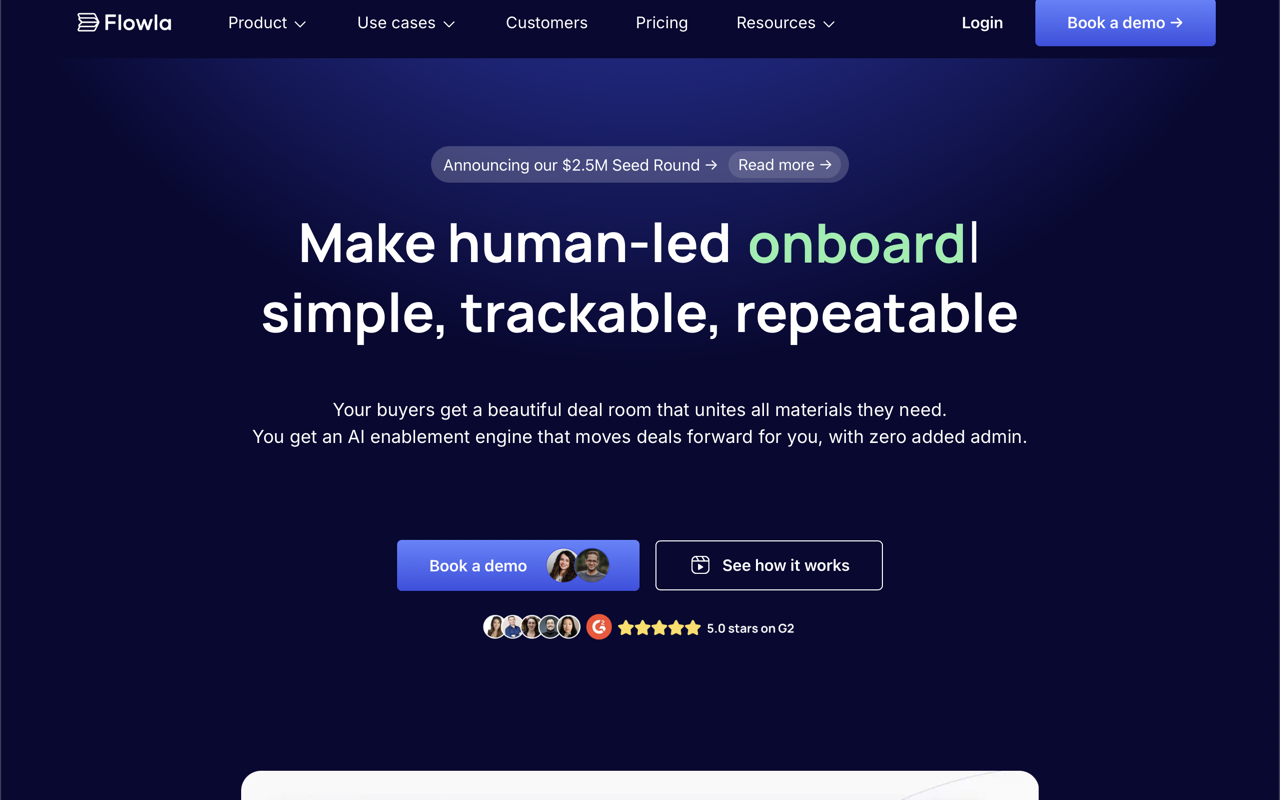
Flowla is a digital sales room platform aimed at B2B revenue teams — sales, customer success, and RevOps — who want to replace scattered email threads with a single, trackable workspace for each deal or onboarding. Rooms can hold decks, videos, calendars, proposals, contracts, and forms, all accessible through one shared link. The pitch is straightforward: buyers get a cleaner experience, and sellers get visibility into exactly what's happening inside the room.
Core features
Each Flowla room functions as a mini-portal for a specific deal or client relationship. Mutual action plans let both sides track milestones and next steps in one place, reducing the back-and-forth of "where are we in the process?" Built-in forms and data collection mean you can gather documents or information without sending clients to a separate tool. E-signature is included natively, so contracts can be signed inside the room rather than via a third-party service.
The engagement analytics are a standout: Flowla logs which stakeholders visited, what they viewed, and for how long. New contacts who enter a room trigger alerts, giving sales reps early notice when additional decision-makers are evaluating the deal. This buyer intent data feeds into the broader pipeline view.
AutoPilot and AI workflows
Flowla's differentiator from simpler deal room tools is its AutoPilot feature (Team plan and above), which connects room activity to automated workflows. When a new stakeholder enters a room, an intro email can be drafted automatically in Gmail. When a deal closes in the CRM, handoff notes can be built and posted to Slack, and an onboarding room can be unlocked for the CS team. These integrations connect to CRMs (Salesforce, HubSpot), email, Slack, and AI notetakers, keeping room data in sync with the broader toolstack rather than creating another silo.
Pricing
Flowla has four tiers:
- Starter — Free, limited to 5 rooms. Includes all core Pro features to evaluate the platform.
- Pro — $49/seat/month. Unlimited rooms, analytics, content library, forms, e-signature, and all integrations.
- Team — $79/seat/month, minimum 5 seats. Adds AutoPilot smart workflows, AI agents, and management dashboards.
- Enterprise — Custom pricing, minimum 20 seats. Adds custom domains, SSO, white-label branding, and dedicated account management.
Custom domains are gated to Team and above, which is worth noting if white-labeling matters from day one.
Security and compliance
Flowla is SOC 2 Type II and GDPR compliant. Rooms can be protected with passwords and email verification. Custom domains and white labeling are available at higher tiers for teams that need rooms to feel fully on-brand.
Limitations
Flowla is purpose-built for revenue workflows — deal closing and client onboarding — not general-purpose client portals. It won't replace a project management tool or a file-sharing platform for ongoing client work. The Team plan's 5-seat minimum adds up quickly for small teams ($395/month before annual discounts), and the most useful automation features live behind that paywall. The product is relatively young, having raised a $2.5M seed round in 2025, so some edges are still being smoothed out.
Who it's for
Best fit for SaaS and professional services companies with a defined sales motion and a handoff to customer success. If your team sends proposals, needs to track buyer engagement across multiple stakeholders, and wants to automate the admin between "demo" and "closed won," Flowla is worth evaluating seriously. Teams that need a simple file-sharing portal for existing clients will find it more than they need.

Maria Torres
Sales & Revenue Tools Editor
Last verified: 2026-02-25
Compare Flowla
Read more
Related tools