Bloom
All-in-one business workspace and CRM for creative professionals
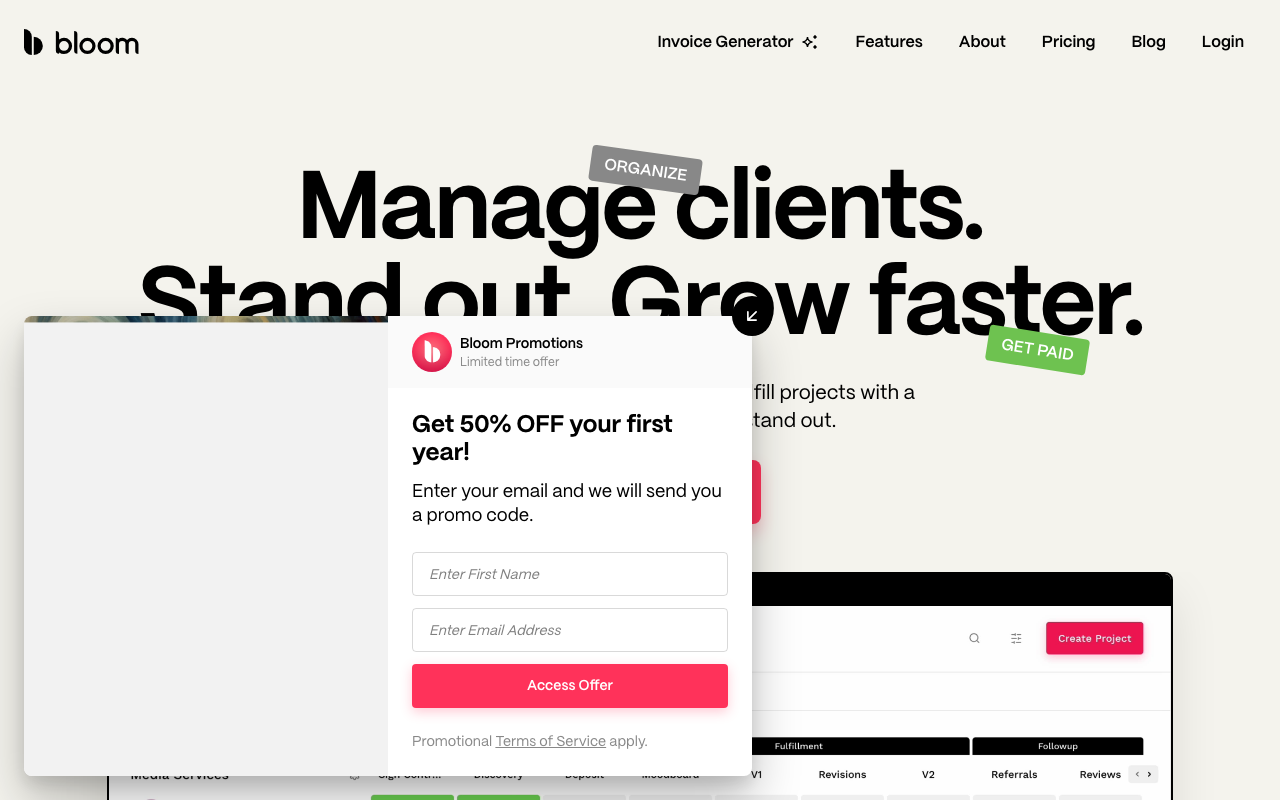
Bloom is built for independent creative professionals — photographers, designers, writers, coaches, caterers, tattoo artists — who need a single platform to handle the entire client lifecycle without cobbling together five separate tools. It covers lead capture, booking, contracts, invoicing, project delivery, and client communication, all under one roof.
Who It's For
Bloom markets itself broadly across service industries, but its design DNA is firmly rooted in photography and visual services. The client gallery feature (with proofing, layout controls, download permissions, and activity tracking) is a giveaway. If you deliver visual assets to clients, Bloom's end-to-end flow — booking → contract → shoot → gallery delivery — is unusually cohesive. Other service providers (coaches, consultants, designers) will find it capable, but the gallery-centric features will go unused.
Pricing
Bloom has a genuinely free starter tier, though it's limited: 3 active projects, 1 workflow, 1 package/add-on, and 1 automation. The starter plan also carries a 1.5% platform fee on digital payments. Paid plans start at $29/month and drop that platform fee entirely — an important distinction if you're processing meaningful revenue. Yearly billing saves up to 30%. Every plan gets a 7-day free trial with no charge until it expires. Additional storage for client galleries can be purchased separately if you hit limits.
Invoicing and Payments
This is where Bloom genuinely differentiates. Most competitors support Stripe or Square and call it done. Bloom also integrates with Cash App, Venmo, Zelle, and PayPal — the informal payment rails that many independent creatives and their clients actually prefer. ACH bank transfers are supported at 0.8% capped at $5 per transaction, which undercuts the standard 2.9% credit card rate significantly for larger invoices. Clients can split payments with deposits and automatic balance collection, and the optional tip feature is a thoughtful touch for service professionals.
Contracts can be attached directly to invoices rather than managed as a separate step, which streamlines the booking flow considerably.
Booking and Workflow
Bloom's instant booking system lets you publish packages with add-ons, embed a booking form on your own site, and collect the contract signature and deposit in one client session. Scheduling integrates with your calendar and manages availability, so there's no back-and-forth to find a time. The workflow task system is presented as a core differentiator — you can create multiple workflows and see all active project tasks in a single view, which works well for studios juggling several concurrent clients.
Automations handle follow-up emails and routine touchpoints while you're not watching, though the free tier limits you to one automation.
Client Portal and Galleries
Clients get a portal to access their project documents, contracts, invoices, and communication history. The gallery delivery system is a step above basic file sharing — it supports proofing, client feedback, configurable download permissions, and activity tracking, making it a legitimate Pixieset or ShootProof alternative bundled at no extra cost.
Limitations
Bloom's integration story is thin. Beyond payment processors, there's little in the way of Zapier-style connectivity to external tools. Users who rely on QuickBooks for accounting, a separate email marketing platform, or industry-specific tools will need to manage those separately. The platform is also cloud-only with no self-hosted option, which matters to privacy-conscious clients in regulated industries. And while Bloom has grown its feature set steadily, it still trails Dubsado in workflow complexity and HoneyBook in template library depth.
Bottom Line
For a solo creative professional who wants to run their entire client operation from one tool — and who values clean design and a low-friction payment experience — Bloom delivers strong value, especially at the paid tier where the platform fee disappears. It's not the most powerful option, but it's one of the most thoughtfully designed for the freelance creative market.

Sarah Chen
Agency & Freelancer Tools Editor
Last verified: 2026-02-25
Compare Bloom
Practice Better vs Bloom: Which Is Better?
Client management for health and wellness professionals compared.
HoneyBook vs Bloom: Which Is Better?
Client management platforms for photographers and creative professionals compared.
Dubsado vs Bloom: Which Is Better?
Workflow automation platforms for photographers and creatives compared.
Agency Handy vs Bloom: Which Is Better?
Creative agency and freelancer portal platforms compared.
Related tools