What Is a Digital Sales Room (And Do You Need One)?
Digital sales rooms explained — what they are, how they work, and the best tools for replacing email attachments with a shared buyer experience.

Maria Torres
2026-02-22
You've probably sent a prospect a proposal as an email attachment, then followed up three times wondering if they opened it. You've probably lost track of which version of the pricing deck you sent to which stakeholder. And you've probably had a deal stall because your champion couldn't easily share materials with their internal decision-makers.
A digital sales room fixes all of that. Here's what they are, when they make sense, and which tools are worth evaluating.
What is a digital sales room?
A digital sales room (DSR) is a shared, branded space where you and your buyer collaborate throughout a deal. Instead of scattering proposals, case studies, pricing docs, and contracts across email threads, everything lives behind a single URL.
Your buyer gets:
- Personalized content organized by deal stage — not a generic folder dump
- Mutual action plans with shared next steps and deadlines
- Document tracking — you see when they open what, which pages they spend time on, and who they share it with
- Built-in e-signatures to close without leaving the room
- Stakeholder visibility — you see every person who accesses the room, even ones you didn't know were involved
Think of it as a client portal specifically designed for the sales process — temporary, deal-specific, and optimized for moving a buyer toward a decision.
When a DSR beats email
You don't need a digital sales room for every deal. A simple transaction with one decision-maker and a standard quote doesn't justify the setup. But DSRs pay for themselves when:
- Multiple stakeholders are involved — your champion can share the room link internally instead of forwarding attachment chains. You see who else is reviewing materials.
- Long sales cycles need persistence — a deal room doesn't get buried in an inbox. It's a living workspace that both sides return to over weeks or months.
- Complex proposals with many documents benefit from structured navigation instead of a ZIP file or folder link.
- You want buyer engagement data — knowing that your prospect spent 8 minutes on the pricing page but skipped the case study tells you exactly what to address in your next call.
- Your champion needs to sell internally — the room becomes their toolkit for getting buy-in from finance, legal, and their boss.
The best digital sales room tools
Dock
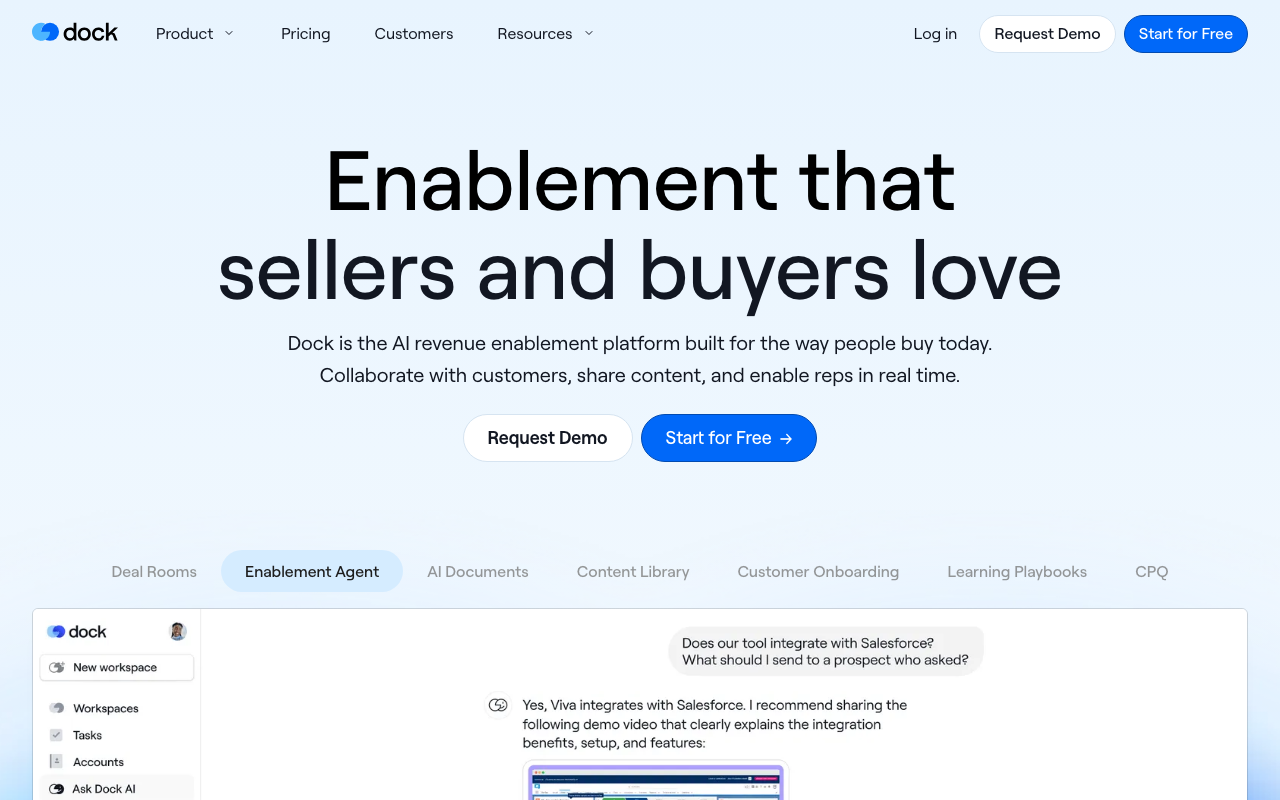
Dock builds shared workspaces that serve sales, onboarding, and renewals — but its DSR functionality is the core product. Each workspace is a branded page with sections for content, mutual action plans, embedded videos, and next steps.
Key strengths:
- Mutual action plans — shared checklists with owners and due dates that both seller and buyer can update. This is the feature that keeps deals moving.
- CRM integration — syncs with Salesforce and HubSpot so deal room activity flows into your pipeline data.
- Template library — create reusable room templates for different deal types, then personalize per prospect.
- Engagement analytics — see who viewed what, for how long, and how many times.
Pricing: Free tier available (limited rooms). Paid plans from $49/month per user. Best for: Mid-market B2B sales teams that want a workspace covering the full customer lifecycle.
Trumpet
Trumpet creates personalized microsites called "pods" for each deal. Each pod is a branded, trackable page that combines proposals, videos, case studies, pricing, and e-signatures into a single buyer experience.
Key strengths:
- Fast pod creation — build a personalized deal room in minutes using templates and drag-and-drop content blocks.
- Video integration — embed personalized video messages alongside documents for a more human touch.
- Engagement scoring — each pod gets a buyer engagement score so you can prioritize follow-ups on the deals showing the most activity.
- E-signatures built in — close deals without sending buyers to a separate signing tool.
Pricing: Free tier available. Paid plans from £29/month per user. Best for: Sales teams that want lightweight, fast-to-create deal rooms with built-in video and signing.
Aligned
Aligned focuses purely on buyer-seller collaboration. Its rooms are designed around the buying committee — multiple stakeholders on the buyer side, each with tracked engagement.
Key strengths:
- Buyer-centric design — the interface is built for the buying experience, not just the selling experience. Rooms feel like a shared workspace, not a sales pitch.
- Stakeholder mapping — see everyone who accesses the room, their engagement patterns, and their roles. Discover hidden decision-makers you didn't know existed.
- Mutual action plans — collaborative next steps that both sides own and update.
- CRM integrations — connects to Salesforce, HubSpot, and other major CRMs.
Pricing: Free tier available. Paid plans from $49/month per user. Best for: Teams selling to buying committees where stakeholder visibility is critical.
GetAccept
GetAccept combines digital sales rooms with e-signatures, video, and proposal management. It's broader than a pure DSR tool — it covers the entire deal closing workflow.
Key strengths:
- Proposal + signing in one tool — create proposals, send them in a deal room, and get them signed without switching platforms.
- Video messaging — record and embed personalized videos in proposals and deal rooms.
- Smart send — AI-powered send timing optimization to maximize open rates.
- CRM integration — deep Salesforce and HubSpot integration with bi-directional sync.
Pricing: Starts at $49/month per user (Professional plan). Best for: Teams that want DSR functionality combined with proposal management and e-signatures in a single platform.
Flowla
Flowla takes a visual, flow-based approach to deal rooms. Instead of a static page of documents, Flowla guides buyers through a structured journey — step by step, in the order you design.
Key strengths:
- Guided buyer journey — content is presented as a flow, not a folder. You control the narrative and the order in which buyers consume information.
- Visual deal room builder — drag-and-drop builder for creating deal flows with different content types at each stage.
- Engagement analytics — track which steps buyers complete and where they drop off.
- Lightweight setup — minimal configuration required to get started.
Pricing: Free tier available. Paid plans from $49/month per user. Best for: Teams that want to control the buyer's content consumption journey rather than dumping everything in a folder.
Zoomforth — Enterprise content experiences
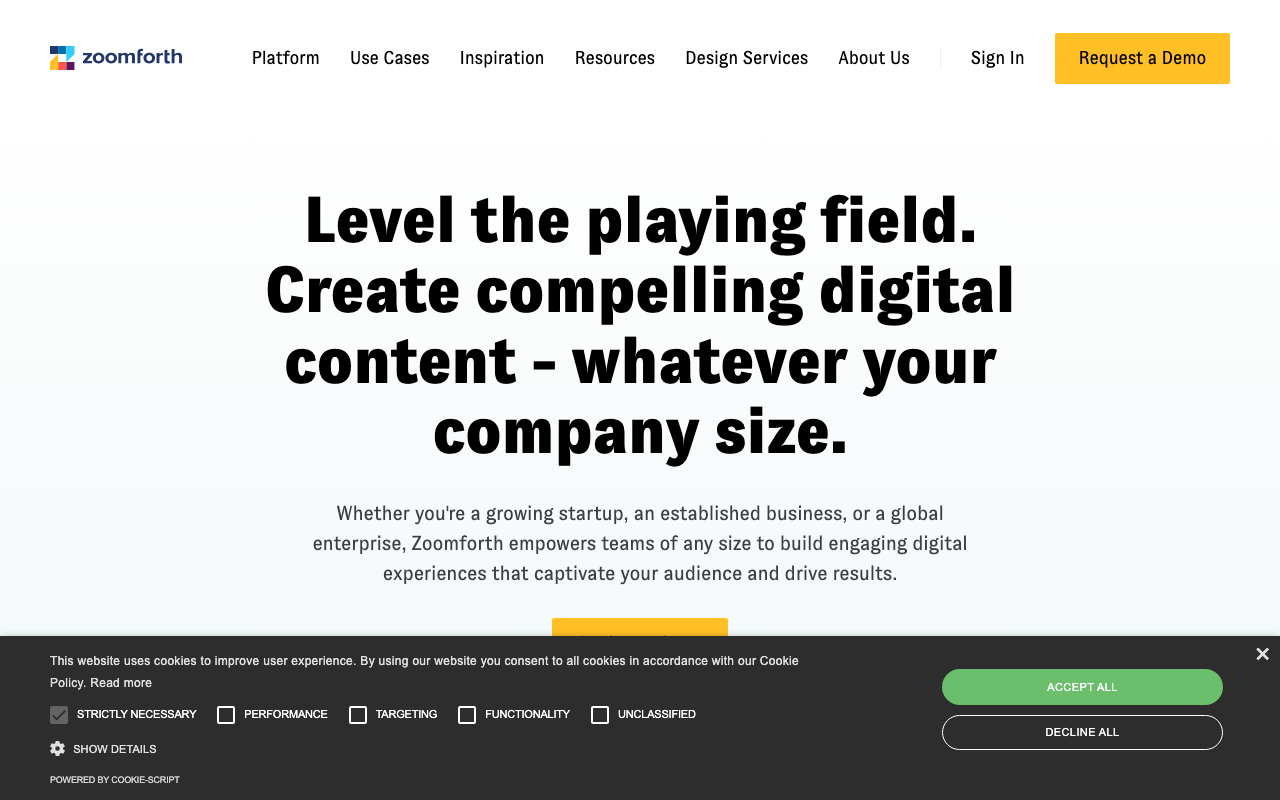
Zoomforth is an enterprise-grade content experience platform. It creates polished, multi-page microsites for proposals, RFP responses, and complex deal rooms. It's more powerful (and more expensive) than the other tools on this list.
Key strengths:
- Pixel-perfect design — full creative control over layout, branding, and content presentation. Sites look like custom-built web pages, not templated rooms.
- Enterprise security — SSO, advanced permissions, and compliance features for regulated industries.
- RFP response microsites — a standout use case. Replace PDF proposals with interactive, trackable microsites.
- Team collaboration — multiple team members can contribute to and review sites before publishing.
Pricing: Starts at $575/month (team plan). Enterprise pricing available. Best for: Enterprise sales teams and proposal teams that need polished, high-design content experiences for complex deals.
Comparison
| Tool | Starting price | Free tier | E-signatures | Best for |
|---|---|---|---|---|
| Dock | $49/mo/user | Yes | No (integrations) | Full lifecycle workspaces |
| Trumpet | £29/mo/user | Yes | Yes | Fast, video-friendly pods |
| Aligned | $49/mo/user | Yes | No | Buying committee visibility |
| GetAccept | $49/mo/user | No | Yes | Proposals + signing combined |
| Flowla | $49/mo/user | Yes | No | Guided buyer journeys |
| Zoomforth | $575/mo | No | No | Enterprise content experiences |
Next steps
If your sales team sends more than three documents per deal, or you regularly sell to buying committees with multiple stakeholders, a digital sales room will save time and give you visibility into buyer intent you can't get from email.
Start with Dock or Trumpet for a free trial, or explore all options in our digital sales room category.
More from the blog
Best Airtable Client Portals in 2026
A roundup of the best tools for building client portals on top of Airtable in 2026.
2026-02-25
Client Onboarding Portals: Stop Chasing Documents
How onboarding portals replace messy email chains with structured intake, task checklists, and automated document collection — comparing GuideCX, Clustdoc, Content Snare, OnRamp, Arrows, and Rocketlane.
2026-02-24
Secure Portals for Law Firms: What to Look For
What makes a client portal truly secure for legal work — privilege, confidentiality, e-signatures, and comparing Clio, MyCase, PracticePanther, Smokeball, LEAP Legal, and Zapa.
2026-02-20