Secure Portals for Law Firms: What to Look For
What makes a client portal truly secure for legal work — privilege, confidentiality, e-signatures, and comparing Clio, MyCase, PracticePanther, Smokeball, LEAP Legal, and Zapa.

Rachel Adams
2026-02-20
Law firms handle some of the most sensitive information in any industry. Attorney-client privilege isn't just a best practice — it's a legal obligation. Your client portal needs to reflect that, and "we use encryption" isn't enough.
Most general-purpose portal tools don't understand legal workflows. They don't handle matter-level permissions, trust accounting, or the specific compliance requirements that come with practicing law. The tools below are built for firms that need security they can actually defend.
Security features that matter for legal
Before looking at specific tools, here's what separates a legal-grade portal from a generic one:
- Matter-level permissions — clients should only see documents and communications related to their matters. Not account-level access — matter-level.
- Audit trails — every document view, download, upload, and edit should be logged with timestamps and user identity. You may need this for compliance reviews or malpractice defense.
- End-to-end encryption — data encrypted in transit (TLS) and at rest (AES-256). Some tools also offer zero-knowledge encryption where even the vendor can't access your files.
- E-signatures with authentication — built-in signing that meets ESIGN Act and UETA requirements, with identity verification.
- Data residency controls — if you practice in jurisdictions with data sovereignty requirements, you need to know exactly where client data is stored.
- Retention and deletion policies — the ability to set automatic retention periods and permanently delete matter files when required.
The best portals for law firms
Clio — The industry standard
Clio is the most widely used practice management platform for law firms, and its client portal (Clio Connect) gives clients secure access to documents, invoices, and communication. If you already use Clio for case management, billing, and calendaring, the portal is a natural extension.

Key strengths:
- Clio Connect portal — clients view and share documents, pay invoices online, and communicate with your team through a branded, secure interface.
- Deep practice management integration — the portal connects directly to matters, contacts, billing, and calendaring within Clio Manage.
- 200+ integrations — connects to legal-specific tools like Lawmatics, Smith.ai, and document automation platforms.
- Trust accounting — built-in IOLTA/trust account management with three-way reconciliation.
Pricing: Starts at $49/month per user (EasyStart). Clio Connect portal requires the Essentials plan at $79/month per user. Best for: Small to mid-size firms that want the most established ecosystem and widest integration support.
MyCase — All-in-one for small firms
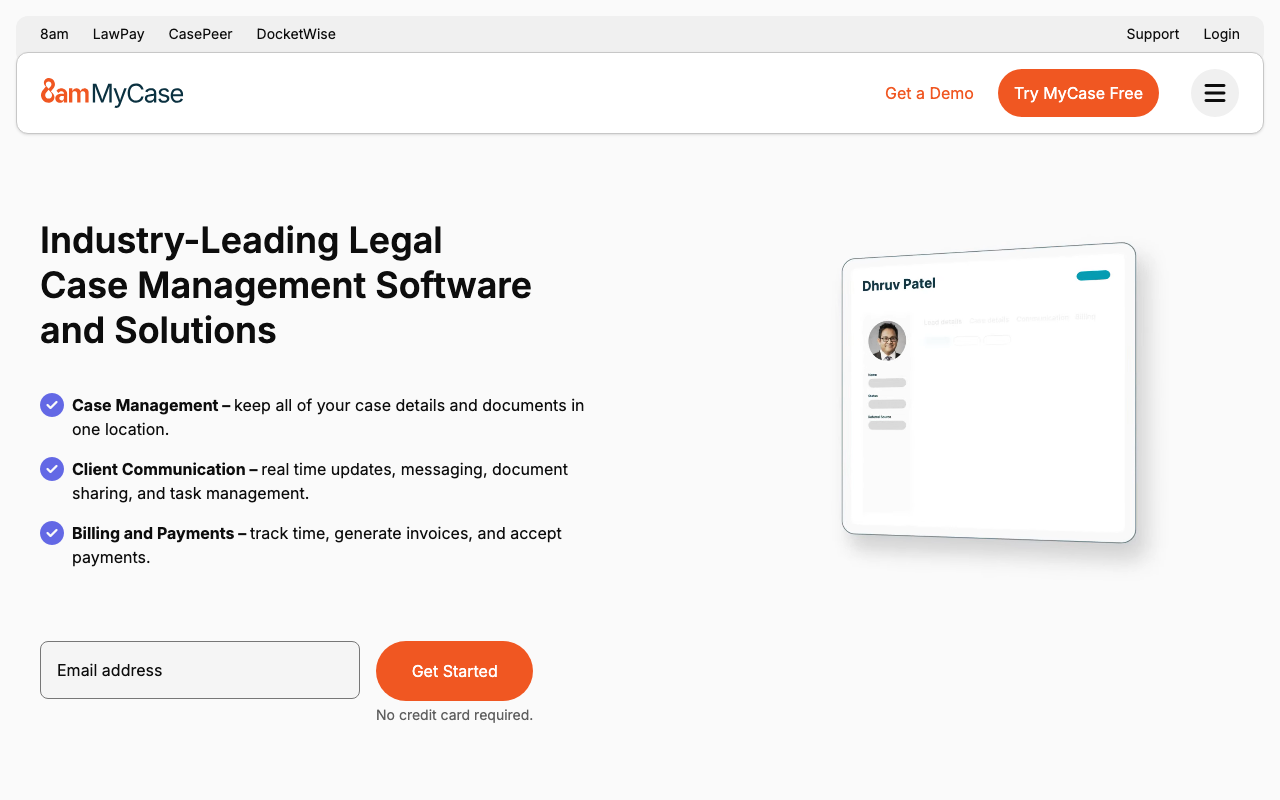
MyCase combines case management with a client portal that handles messaging, document sharing, and online payments in a single subscription. It's particularly popular with solo practitioners and small firms because it's straightforward to set up and doesn't require assembling multiple tools.
Key strengths:
- Built-in client portal — clients access documents, view case status, send messages, and pay invoices. No separate portal add-on required.
- Intake forms and lead management — capture new client information through customizable web forms that feed directly into cases.
- Online payments — integrated credit card and eCheck payments with trust accounting support.
- Flat-rate pricing — per-user pricing includes everything, no add-on fees for portal or payment features.
Pricing: Starts at $39/month per user (Basic). Portal and payments included on all plans. Best for: Solo practitioners and small firms that want everything in one affordable subscription.
PracticePanther — Modern interface with strong automation
PracticePanther offers a polished practice management platform with a client portal, built-in e-signatures, and workflow automation. It stands out for its modern interface and strong automation capabilities.
Key strengths:
- Client portal with e-signatures — clients view documents, sign digitally, and communicate securely. E-signatures are built-in, not a third-party integration.
- Workflow automations — trigger emails, task assignments, and status changes based on case events. Automate intake follow-ups, document requests, and deadline reminders.
- Trust accounting — IOLTA management with three-way reconciliation and automated payment plans.
- Zapier and API access — connect to 5,000+ apps for custom workflows beyond what's built in.
Pricing: Starts at $59/month per user (Solo plan). Portal and e-signatures included. Best for: Firms that want strong automation and a modern user experience alongside traditional practice management.
Smokeball — Productivity-focused with automatic time capture
Smokeball differentiates itself with automatic time tracking — it captures time spent on documents, emails, and calls without lawyers needing to manually log entries. The client portal gives clients visibility into their matters.
Key strengths:
- Automatic time capture — the most distinctive feature. Smokeball tracks time in the background as you work on documents, emails, and calls. This alone can recover significant unbilled hours.
- Client portal — clients access documents, view matter status, and communicate with their legal team.
- Document automation — extensive template library with auto-populated fields for common legal documents.
- Built for small firms — designed for firms with 1-30 attorneys, with pricing and features scaled accordingly.
Pricing: Custom pricing based on firm size. Generally $89-179/month per user depending on plan. Best for: Small firms that lose revenue to poor time tracking and want passive time capture alongside client collaboration.
LEAP Legal — Integrated platform with document automation
LEAP Legal provides an integrated platform covering practice management, legal accounting, document automation, and a client-facing portal. It's designed for firms that want to minimize the number of separate tools they manage.
Key strengths:
- Document automation — extensive template library with merge fields. Generate engagement letters, court forms, and correspondence from matter data automatically.
- Legal accounting — full trust and general accounting built in, not bolted on. Supports jurisdiction-specific trust account requirements.
- Client portal — secure document sharing and communication tied to matters.
- Mobile app — full-featured mobile access for lawyers on the go, including dictation and time recording.
Pricing: Custom pricing. Generally $99+/month per user. Contact for quote. Best for: Firms that want practice management, accounting, and document automation in a single integrated platform.
Zapa — Modern entrant focused on simplicity
Zapa is a newer entrant targeting law firms that want modern, clean software without the legacy complexity of established platforms. It offers client collaboration alongside practice management with a focus on ease of use.
Key strengths:
- Clean, modern interface — designed for lawyers who find traditional legal software clunky and outdated.
- Quick setup — less configuration overhead than platforms like Clio or LEAP. Aimed at firms that want to be productive on day one.
- Client collaboration — secure messaging, document sharing, and status updates for clients.
- Competitive pricing — positions itself as a more affordable alternative to established platforms.
Pricing: Contact for current pricing. Best for: Firms frustrated with legacy legal software that want a fresh, streamlined experience.
How to choose
| Need | Best pick |
|---|---|
| Largest ecosystem and integrations | Clio |
| Affordable all-in-one for solo/small firms | MyCase |
| Strong automation and modern UX | PracticePanther |
| Automatic time capture | Smokeball |
| Integrated accounting + document automation | LEAP Legal |
| Simplicity and modern design | Zapa |
Don't just check the security box
The most secure portal in the world is useless if your clients won't use it. Test the client experience yourself: is the login process simple? Can clients upload documents without calling your office for help? Does it work on mobile?
A portal that's both secure and easy to use is the one that actually protects your clients' information — because they'll stop emailing sensitive documents as unencrypted attachments.
Next steps
Browse all legal-focused portals in our legal vertical and compare features side by side. Most of these tools offer free trials — start with Clio if you want the safest bet, or MyCase if budget is the primary concern.
More from the blog
Best Airtable Client Portals in 2026
A roundup of the best tools for building client portals on top of Airtable in 2026.
2026-02-25
Client Onboarding Portals: Stop Chasing Documents
How onboarding portals replace messy email chains with structured intake, task checklists, and automated document collection — comparing GuideCX, Clustdoc, Content Snare, OnRamp, Arrows, and Rocketlane.
2026-02-24
What Is a Digital Sales Room (And Do You Need One)?
Digital sales rooms explained — what they are, how they work, and the best tools for replacing email attachments with a shared buyer experience.
2026-02-22